

 Claude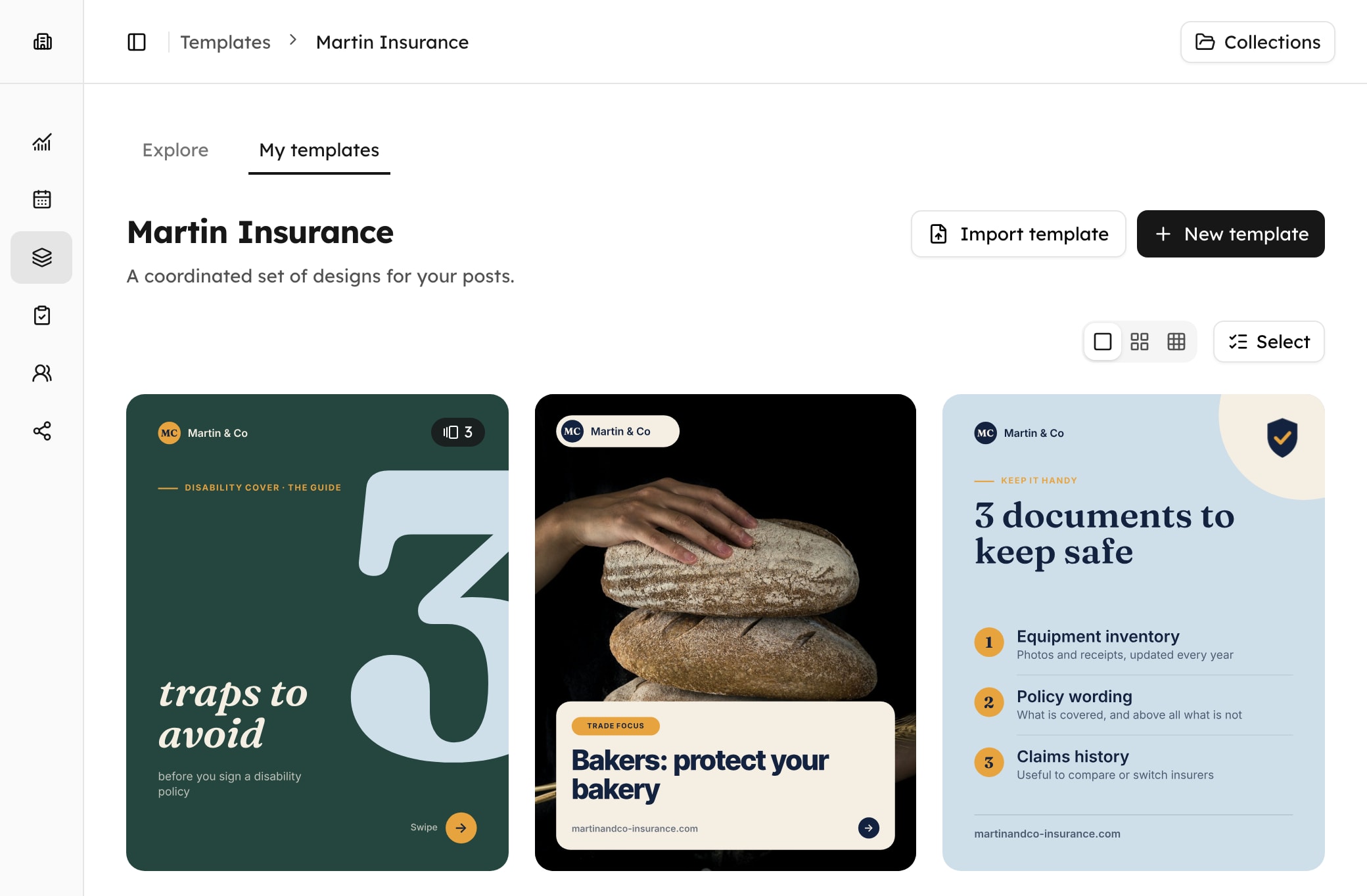
Business
For your own brands.
$45/ monthExcl. tax
Number of workspaces1
$25 excl. tax per extra workspace
- 1 workspace
For your brand.
- Not included: White-label client spacesAvailable with Freelance & Agencies
- 3 social accounts
3 profiles or pages in total. Instagram, LinkedIn, Facebook (Pages only), Pinterest, X.
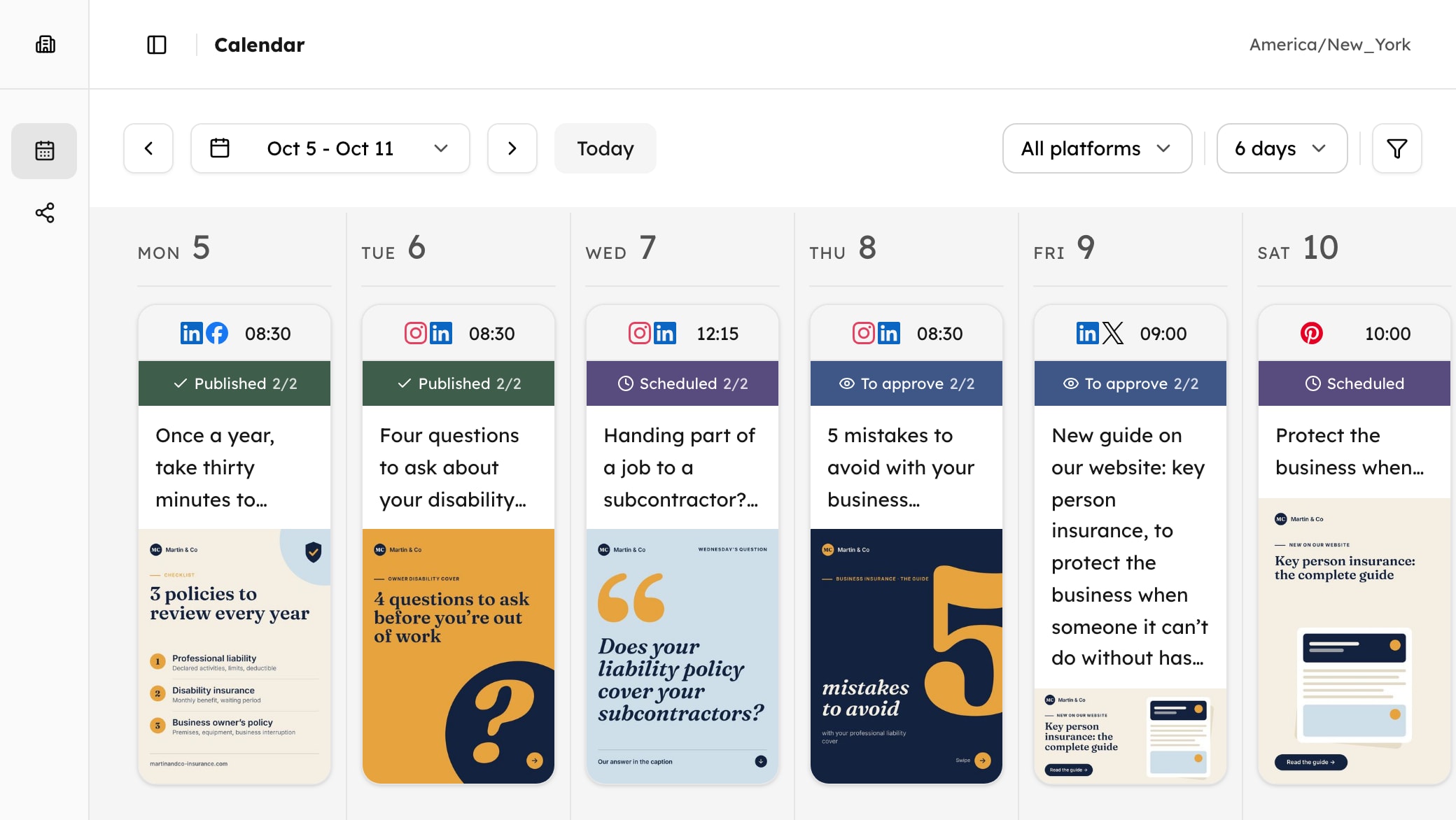
- 1 editorial calendar
Prepare, schedule and publish your posts from the calendar.
- 1 template library
One library per workspace. Create, customize and reuse your own templates.
- 2,500 image generations per month
For all your workspaces. A carousel with 5 slides counts as 5 images.
- 100 posts on X per month
Including up to 10 posts with a link. One total for all your X accounts. A thread with 3 posts uses 3.
- MCP included
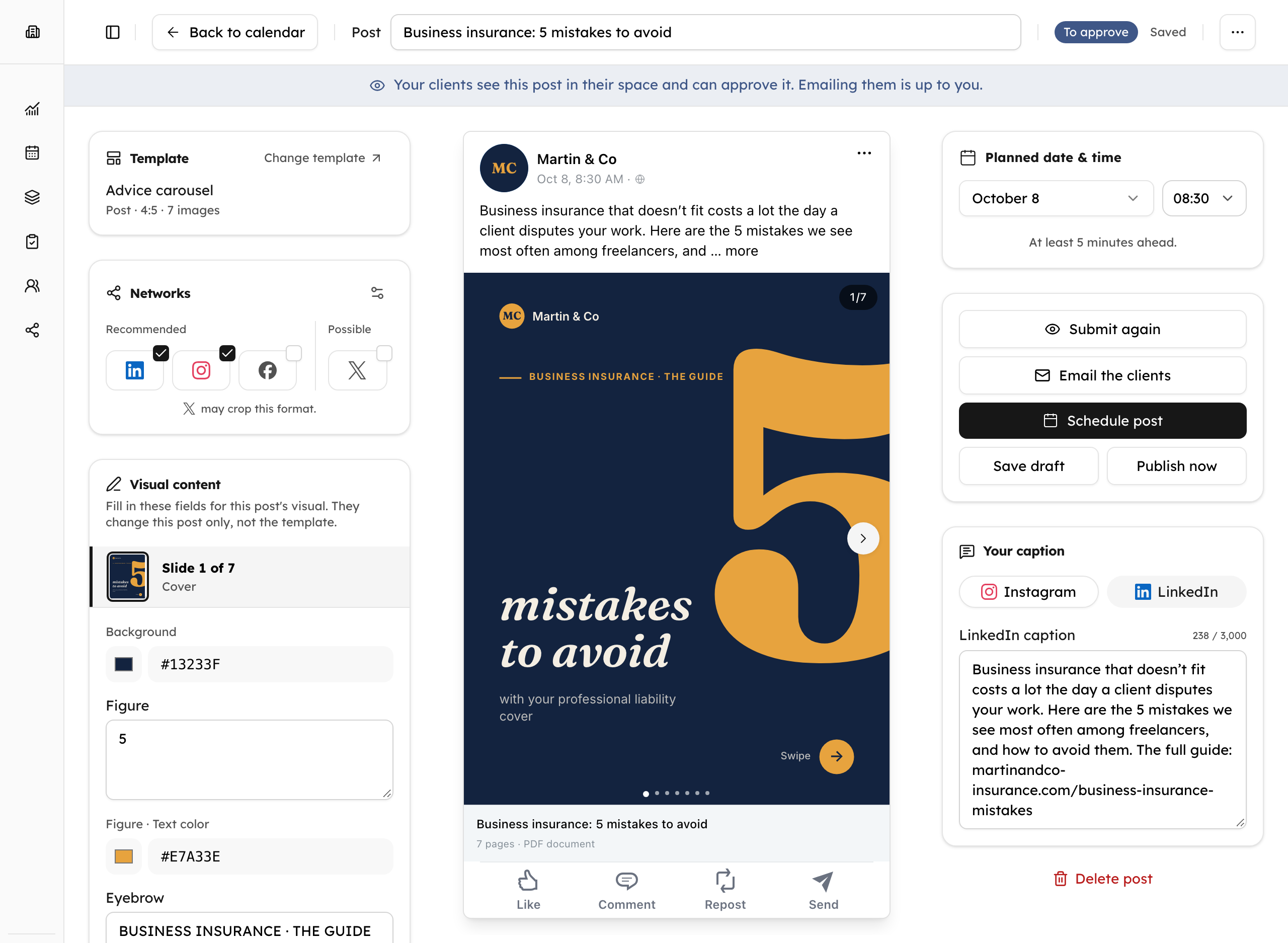
Claude or ChatGPT create, schedule and publish your posts.
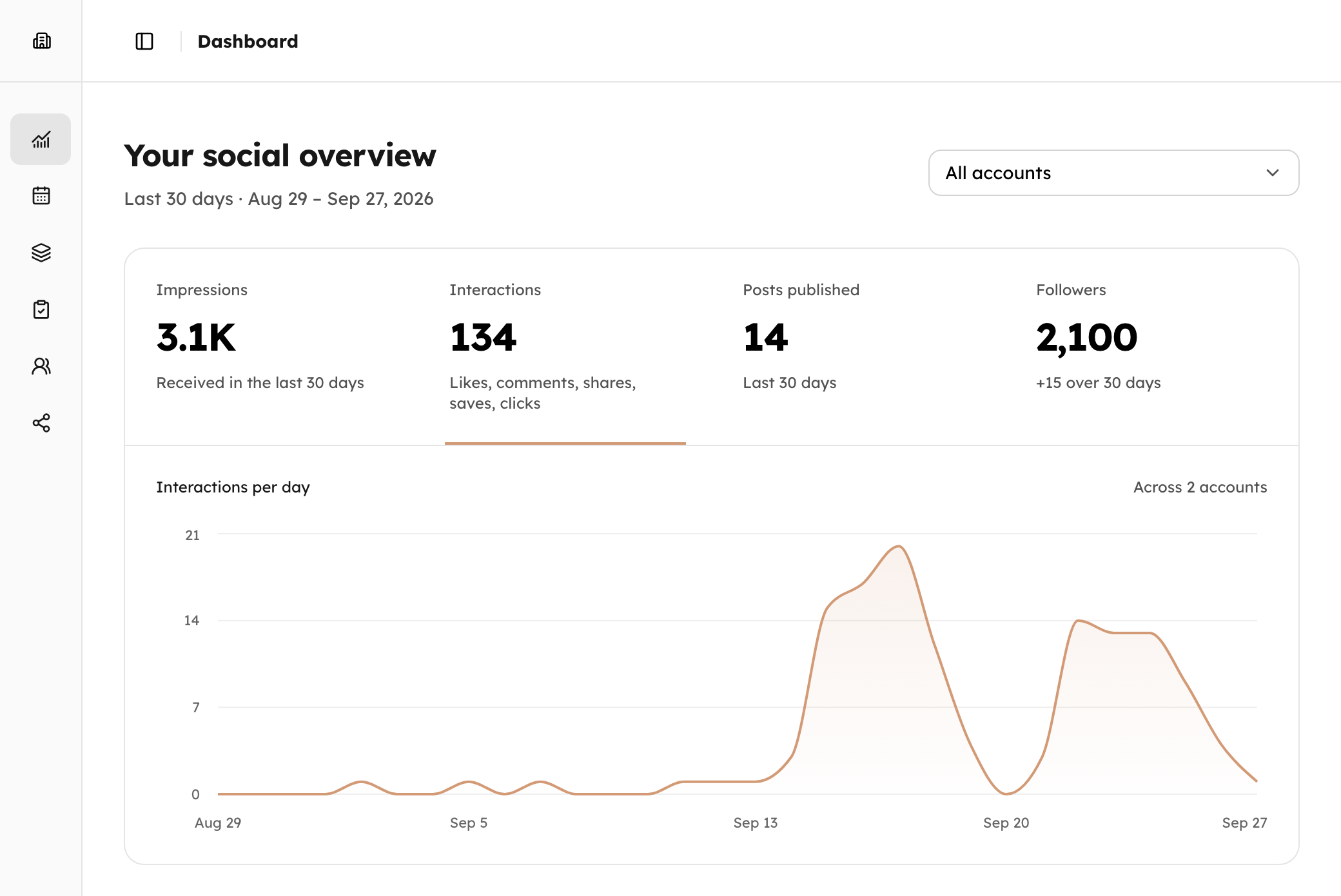
- Social account statistics
Followers and published posts, impressions and interactions. For each workspace. X statistics are not included.
The result
Posts ready to publish.
Each client has its brand guidelines, each network its format.
VSvoltmerestudio
voltmerestudio A rushed warm-up means a wasted workout. Our 3 steps to be ready in 10 minutes are on the blog (link in bio). #fitness #warmup
Hollinmoor AdvisoryIndependent financial advice
How much should you keep aside for the unexpected? Our 3 key points at a glance, and the full guide on our blog: hollinmoor.co/emergency-fund
Little MarjoramNeighbourhood bistro ·
18 years already! Since 2008 we have cooked every day with the seasons and our neighbouring growers. Thank you, neighbours. Book your table: littlemarjoram.com/book
Taskmere@taskmere
A reporting tool nobody opens is a wasted subscription. Our 5 criteria: taskmere.com/blog/reporting-tool