
Free · For AI agents
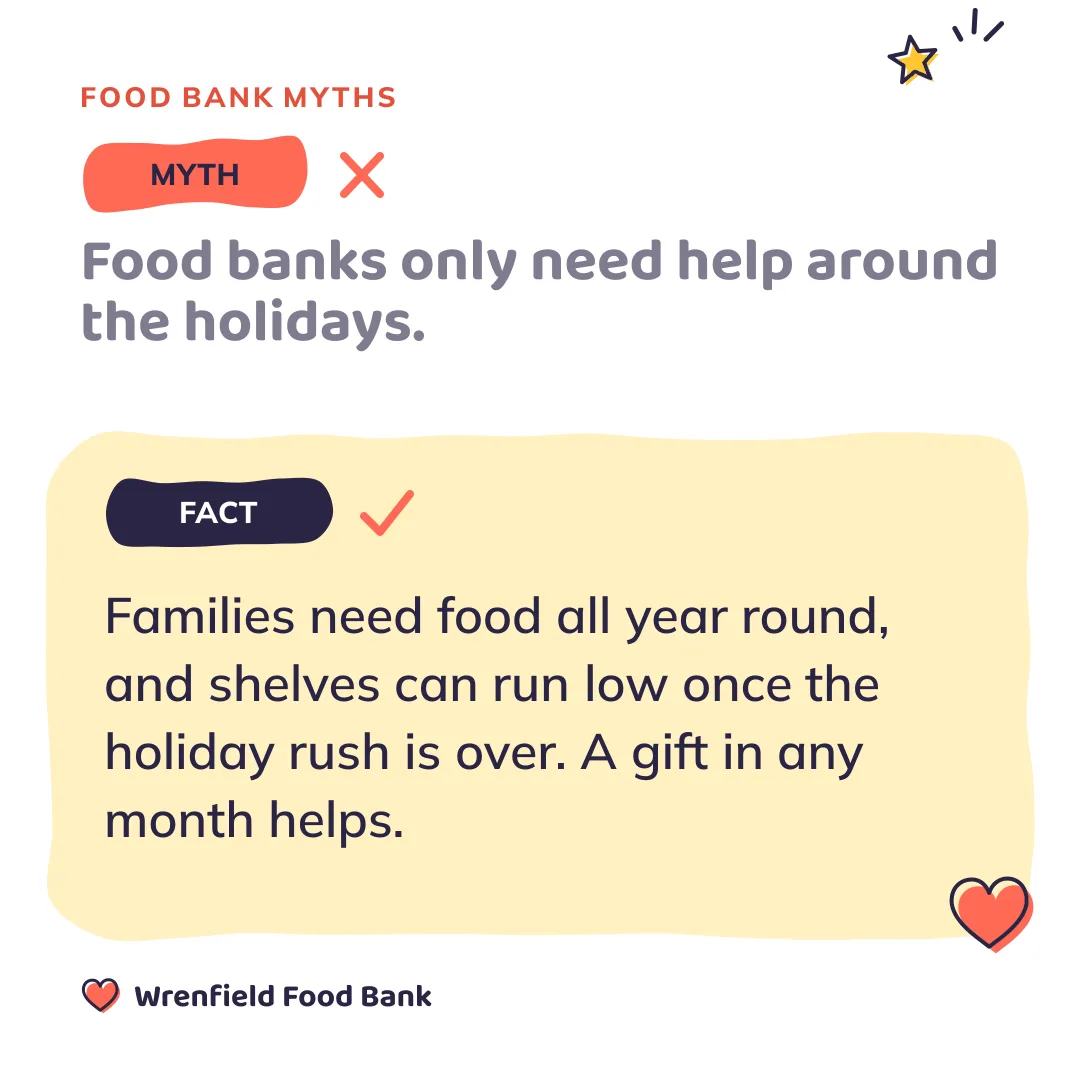
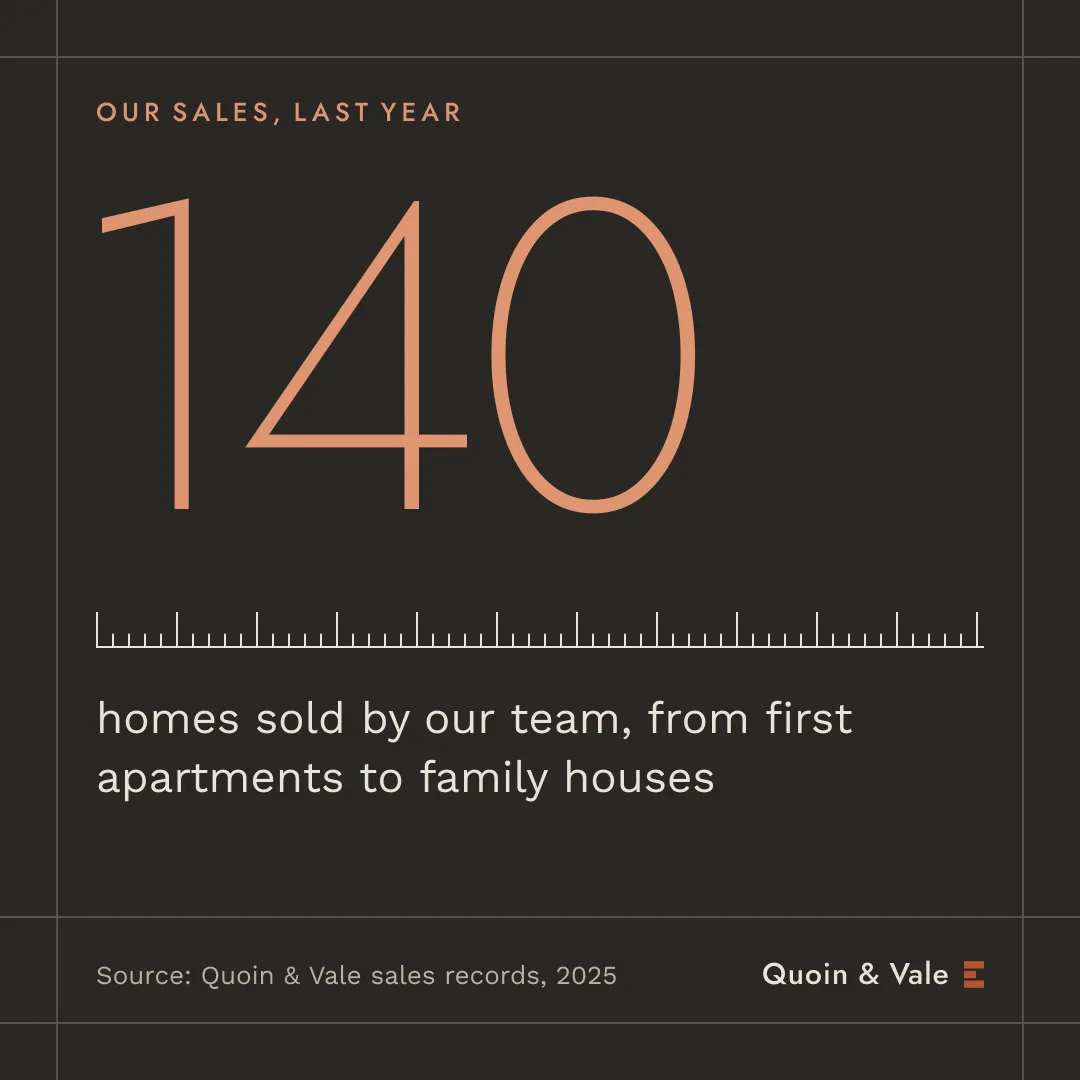
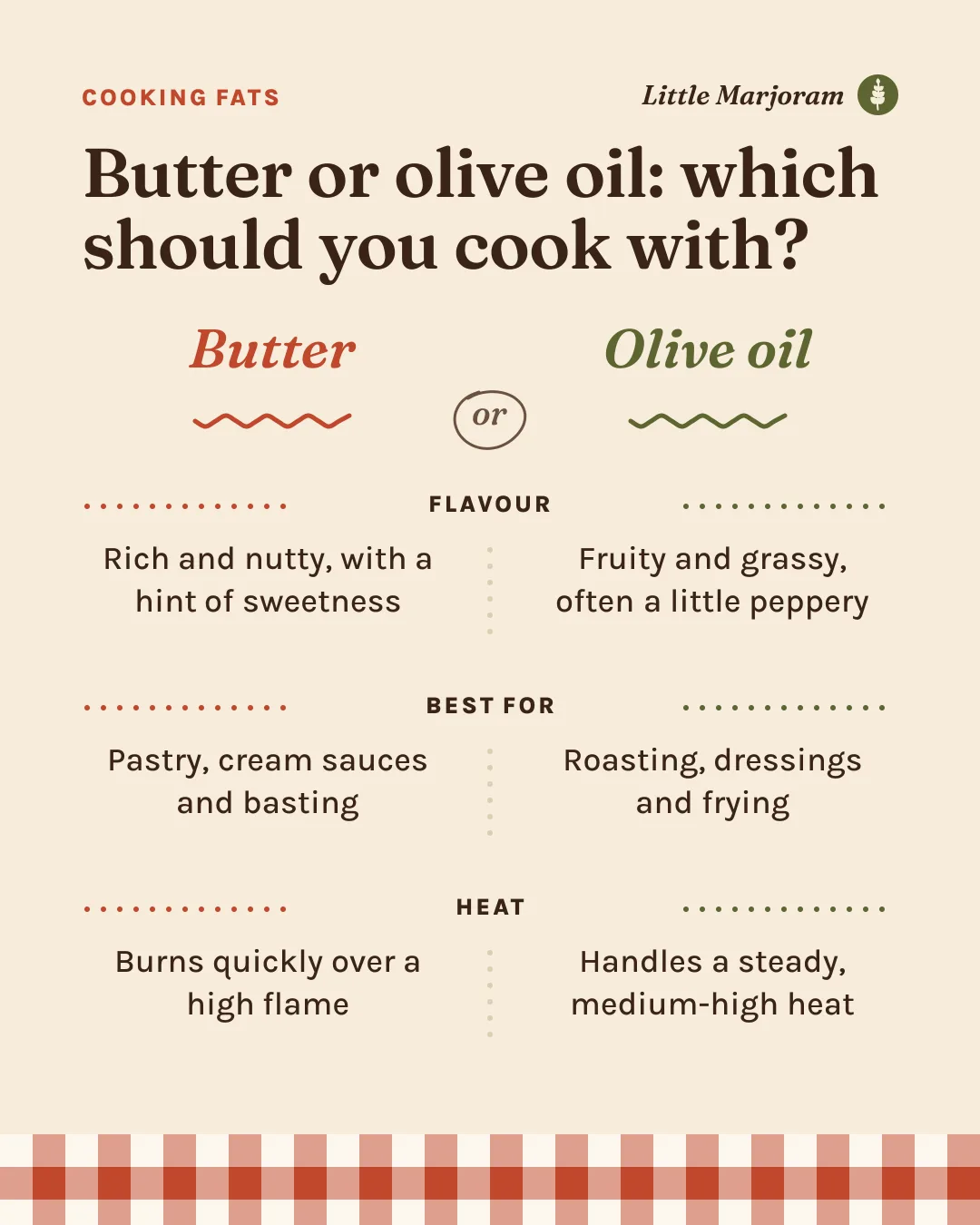
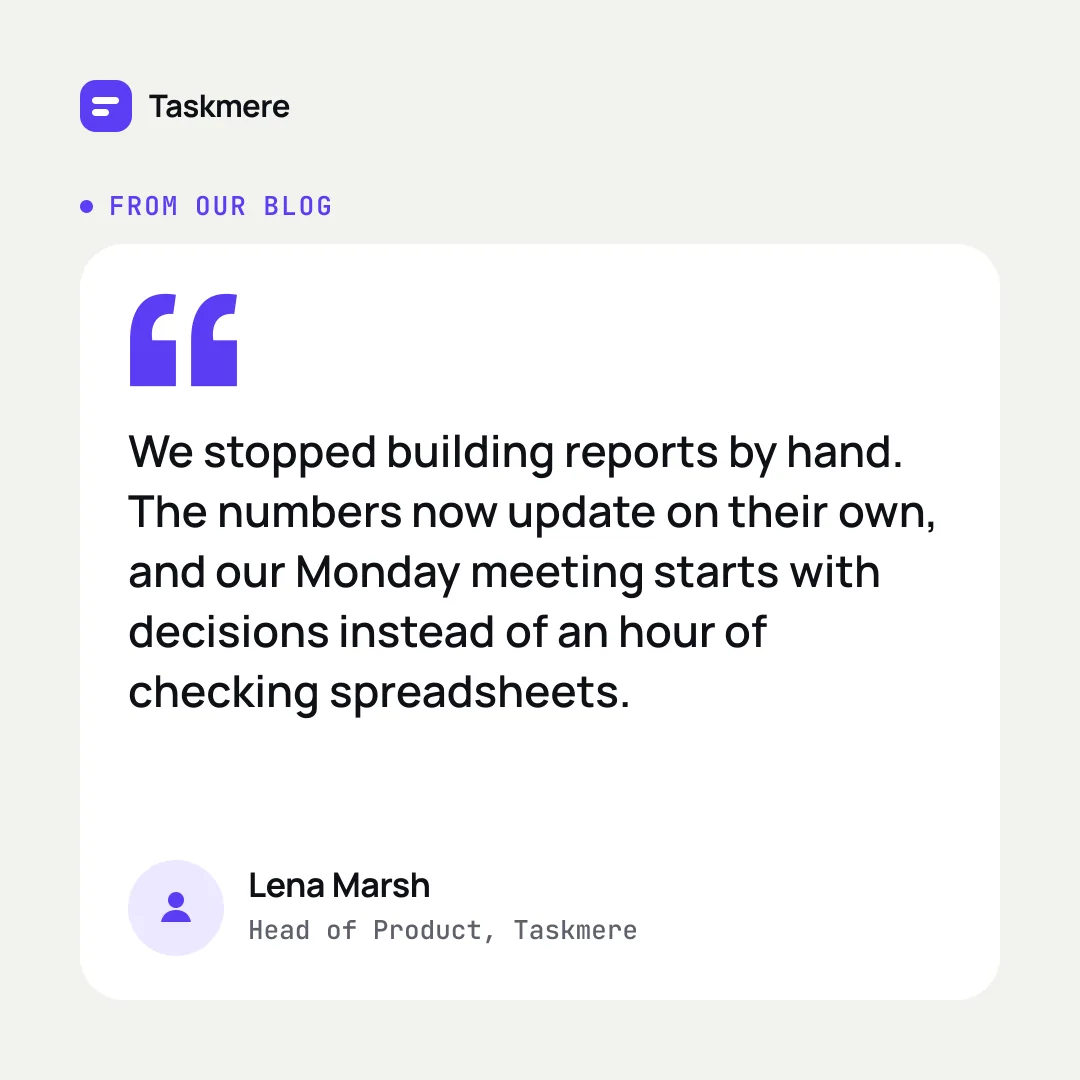
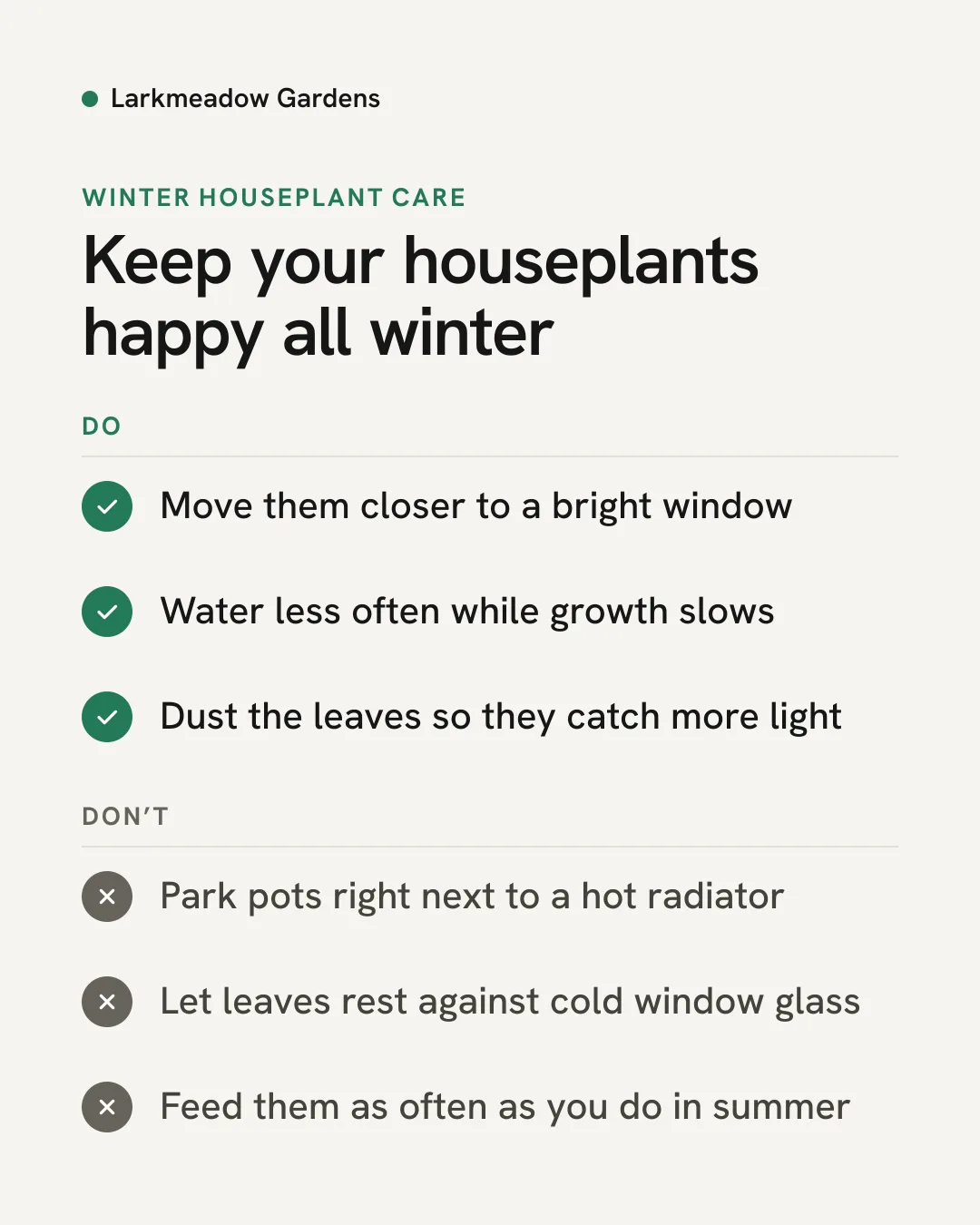
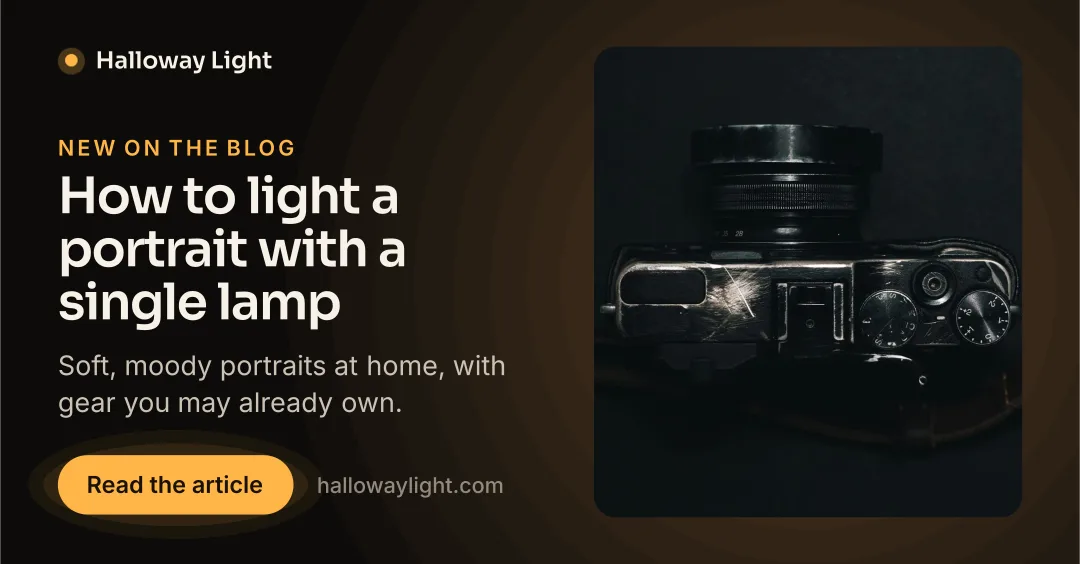
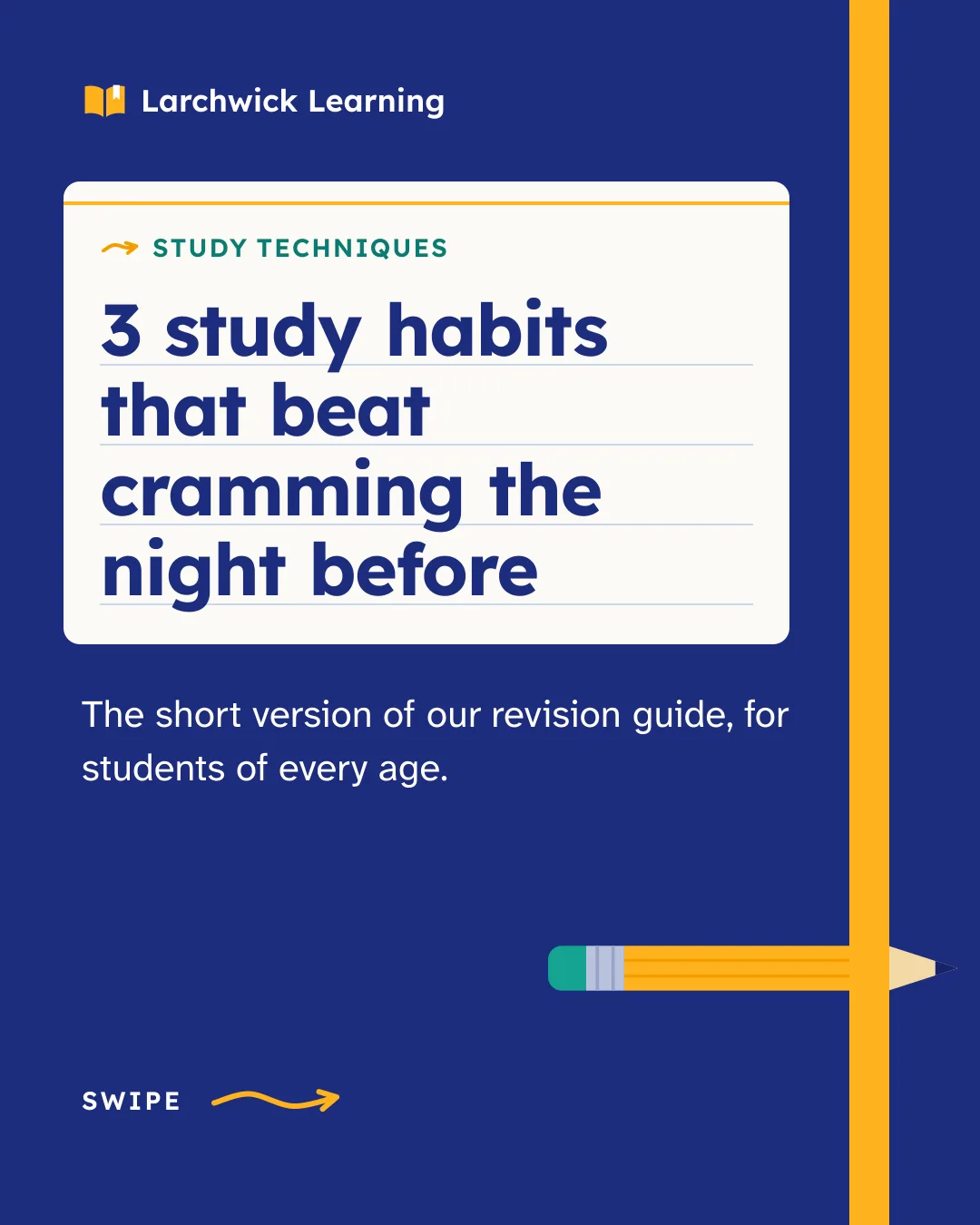
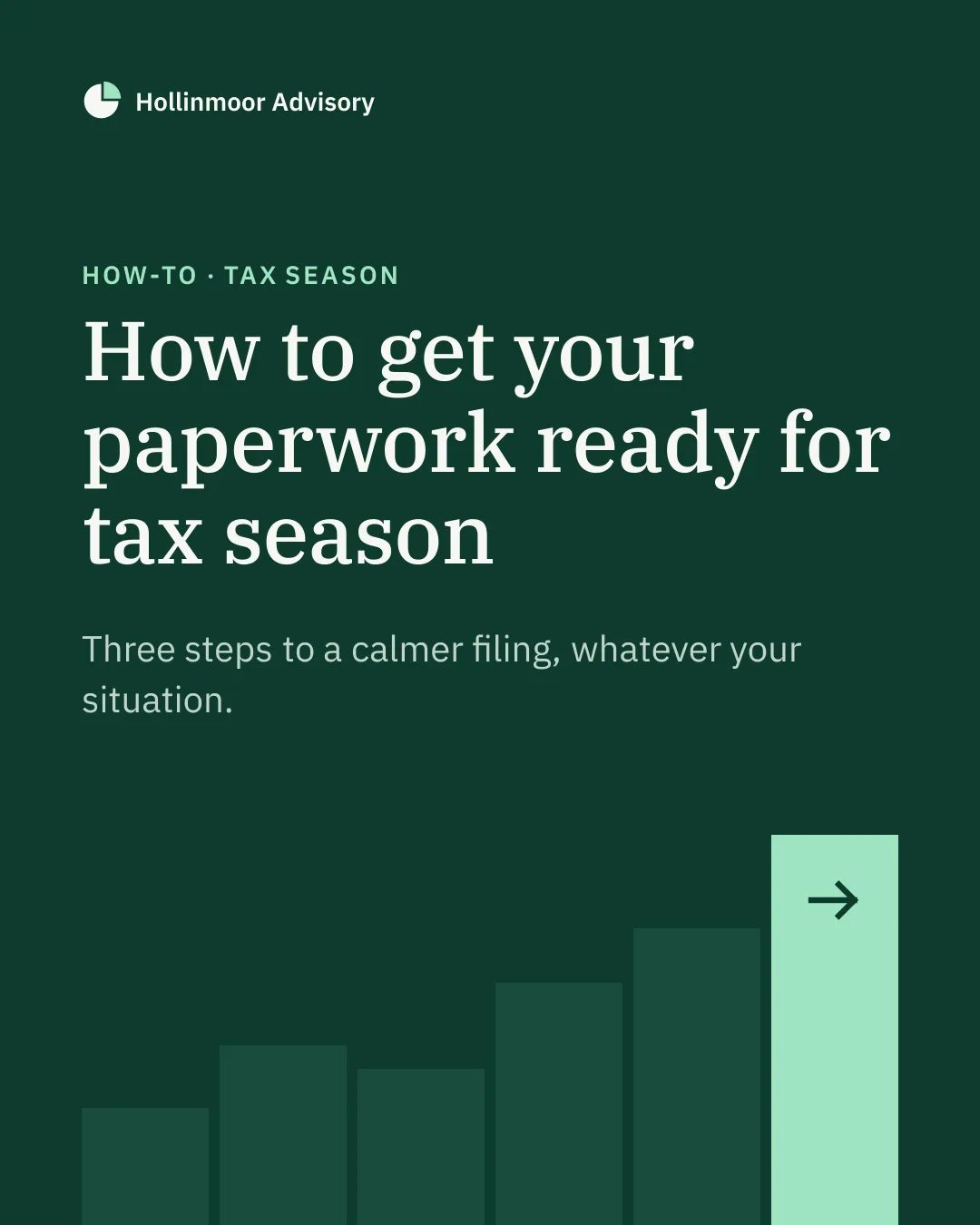
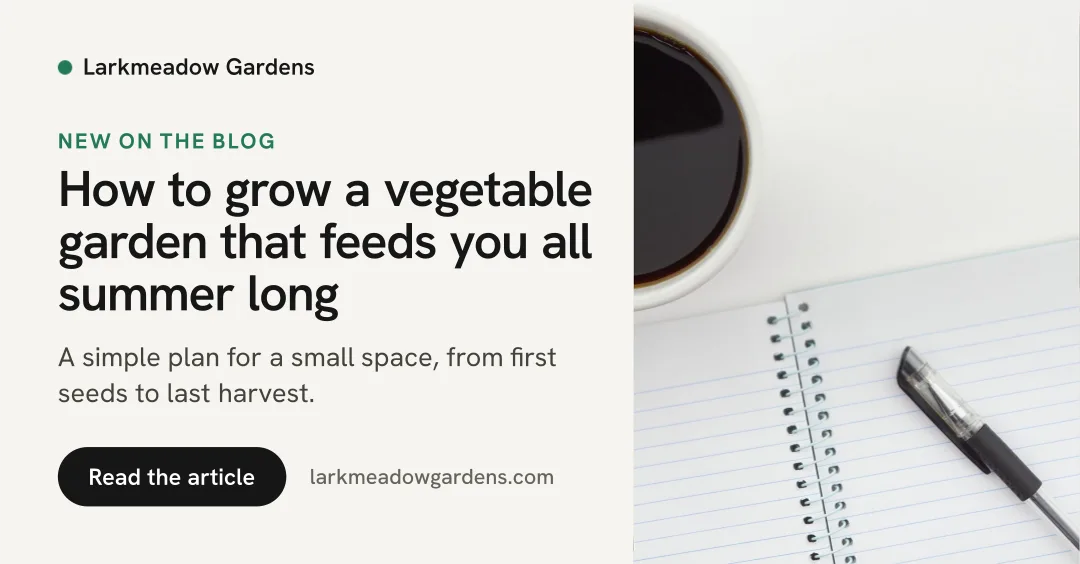
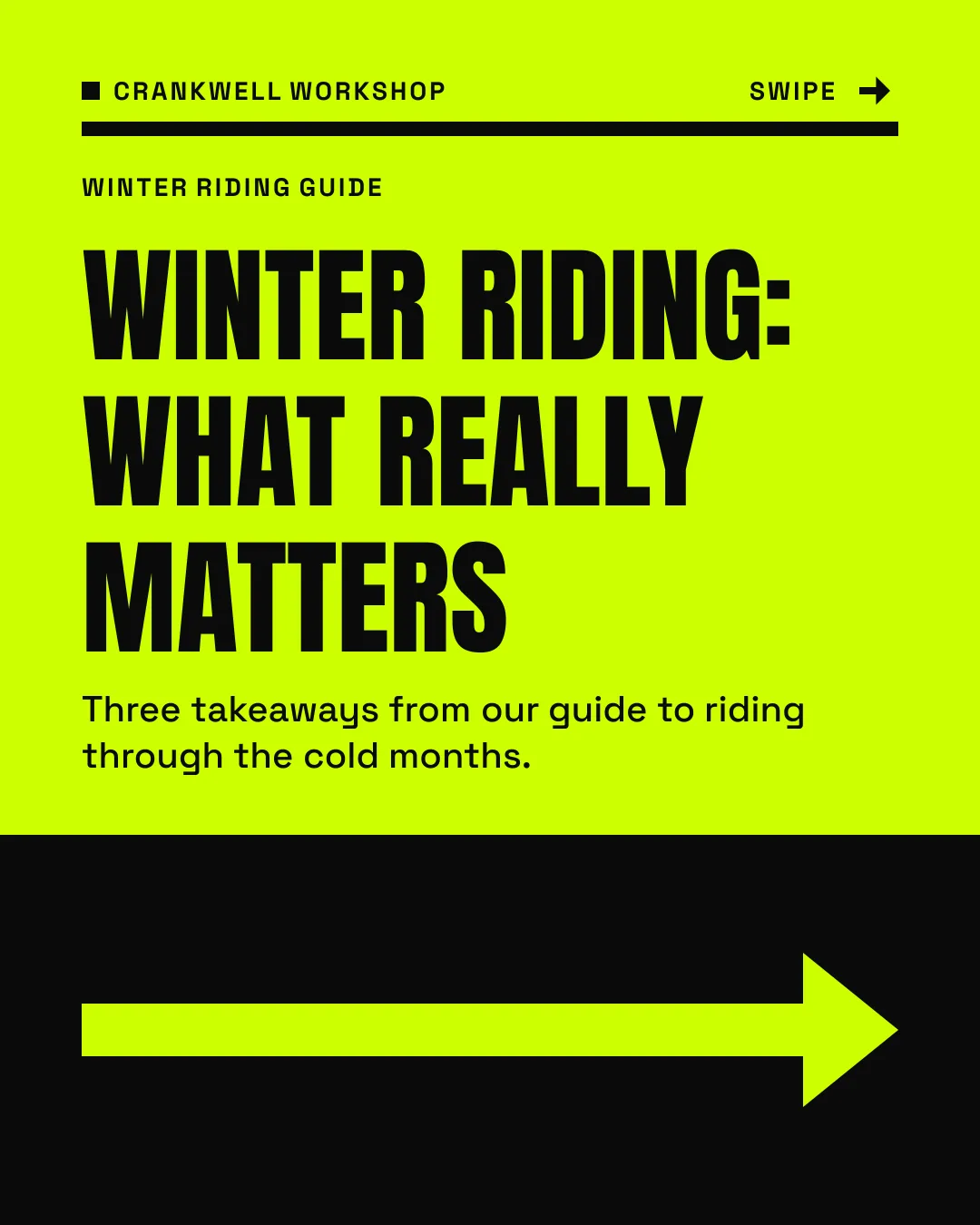
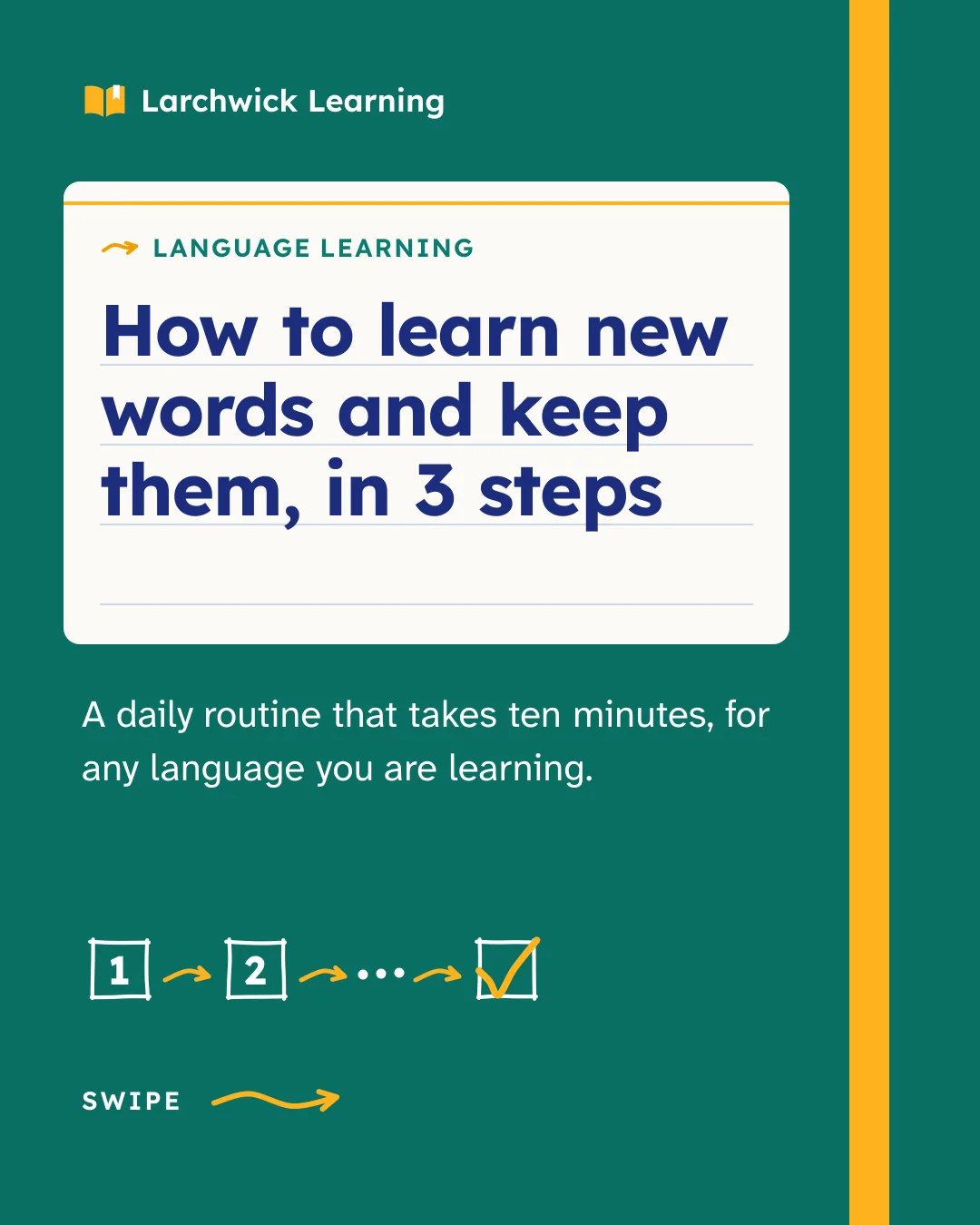
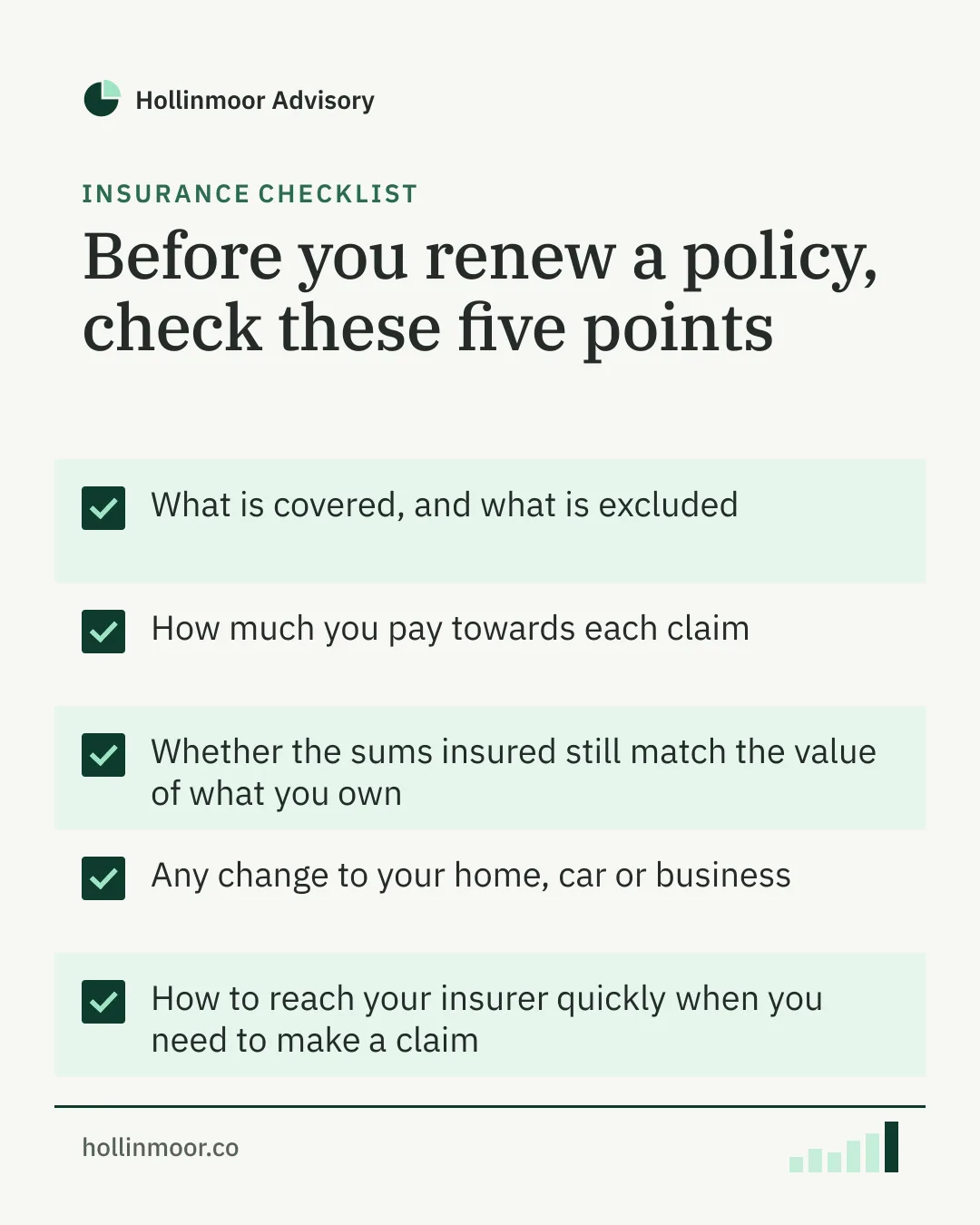
Free LinkedIn post templates for your AI agent.
Simply ask your AI agent to edit them, or do it by hand. Free, no account needed.

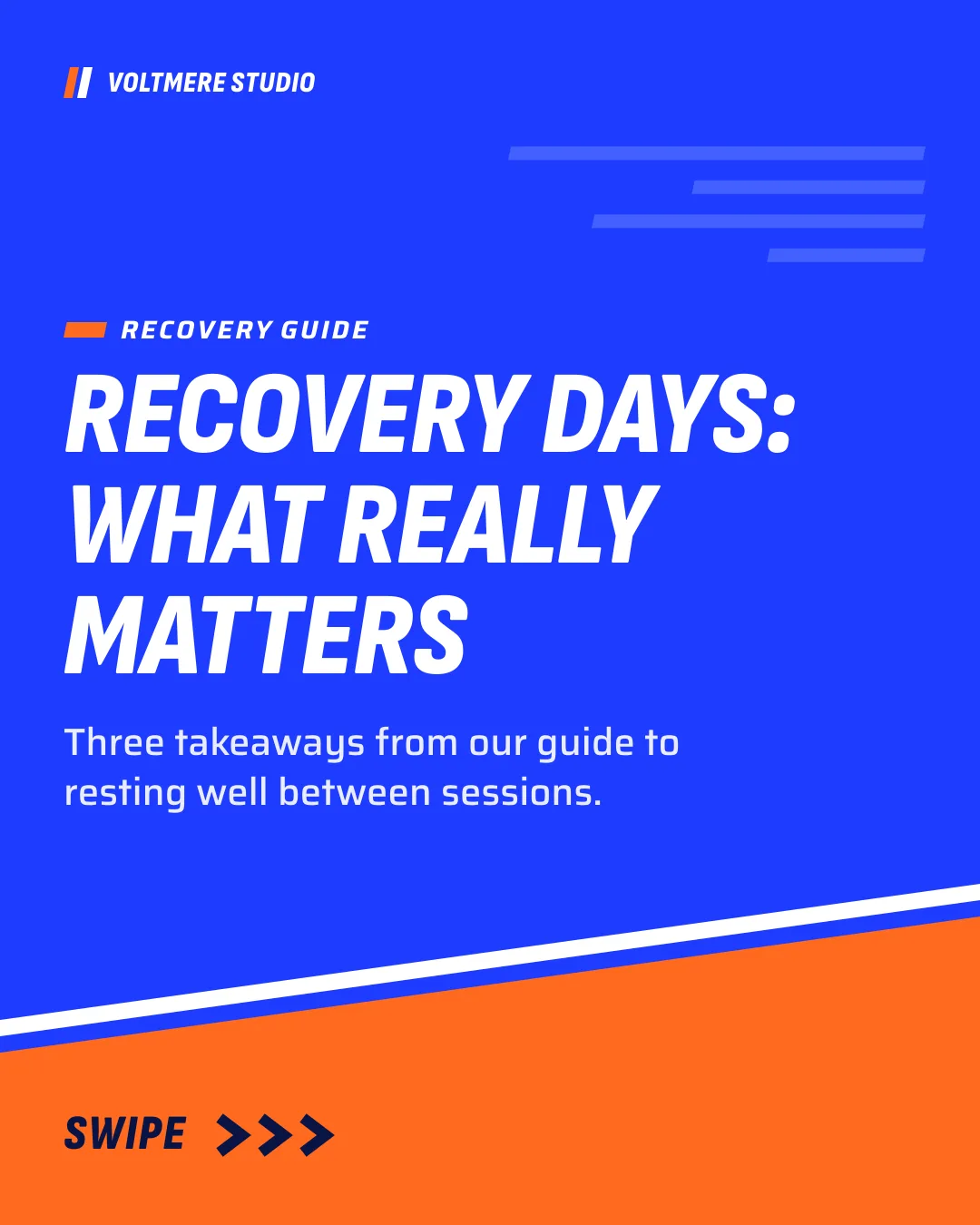
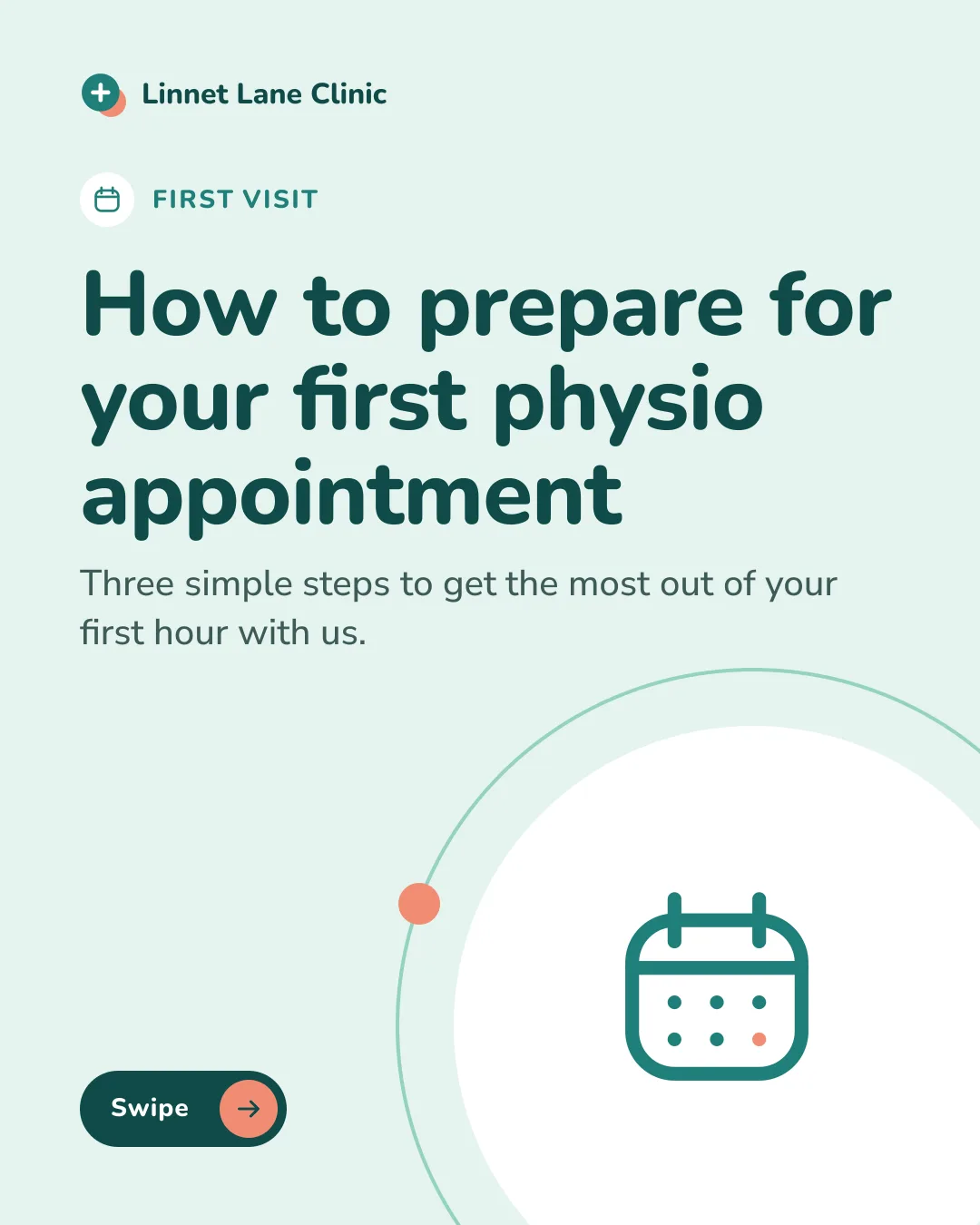
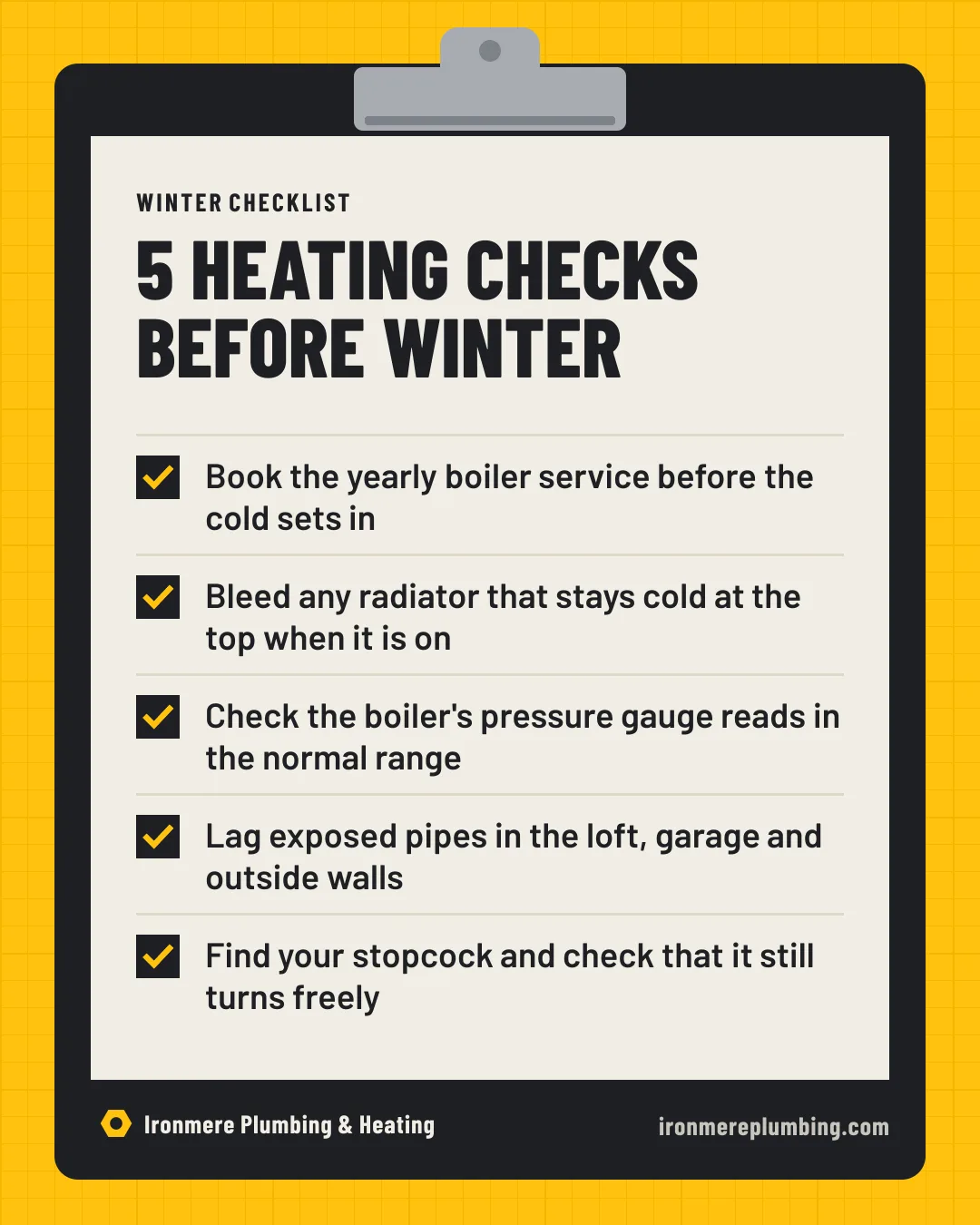
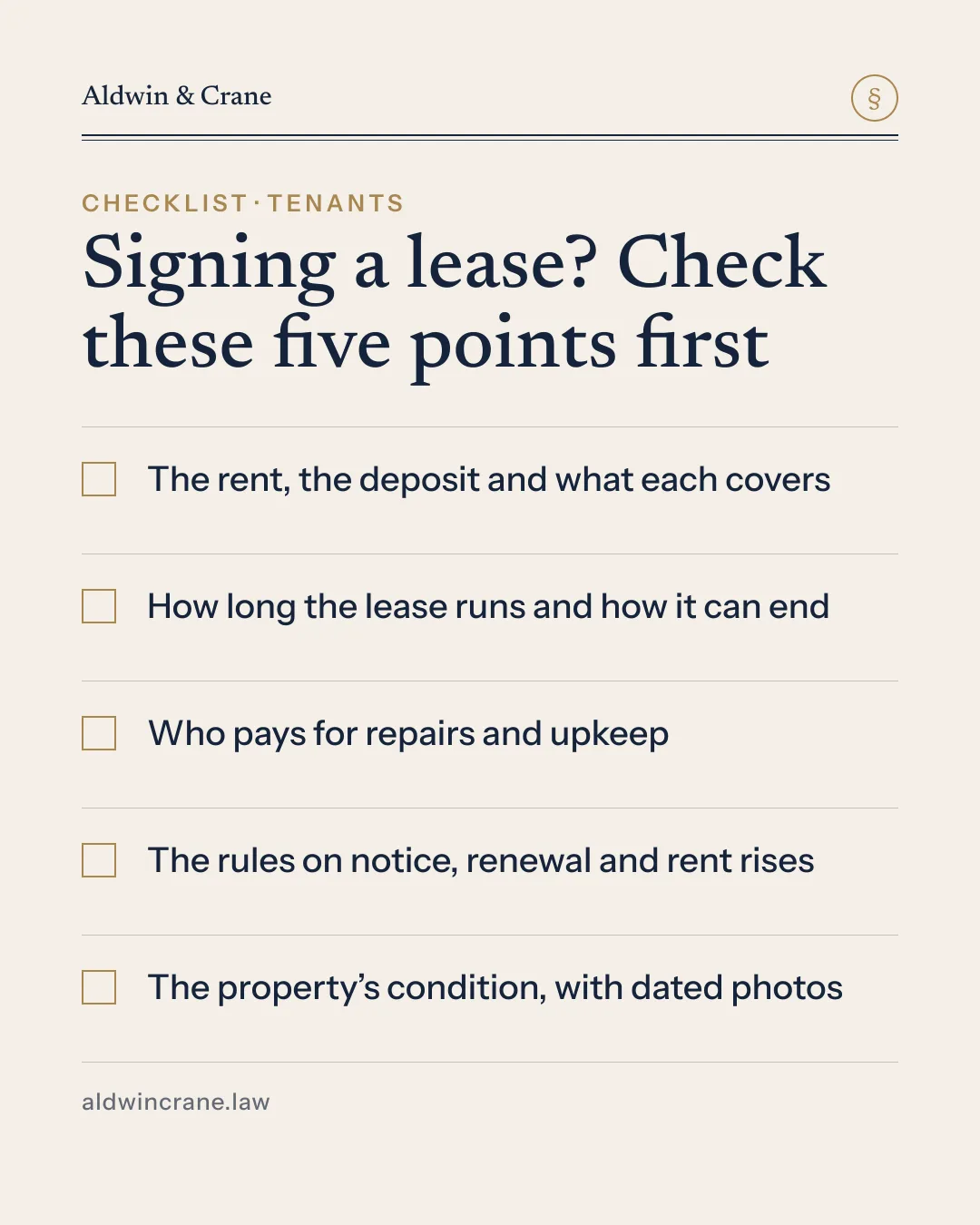
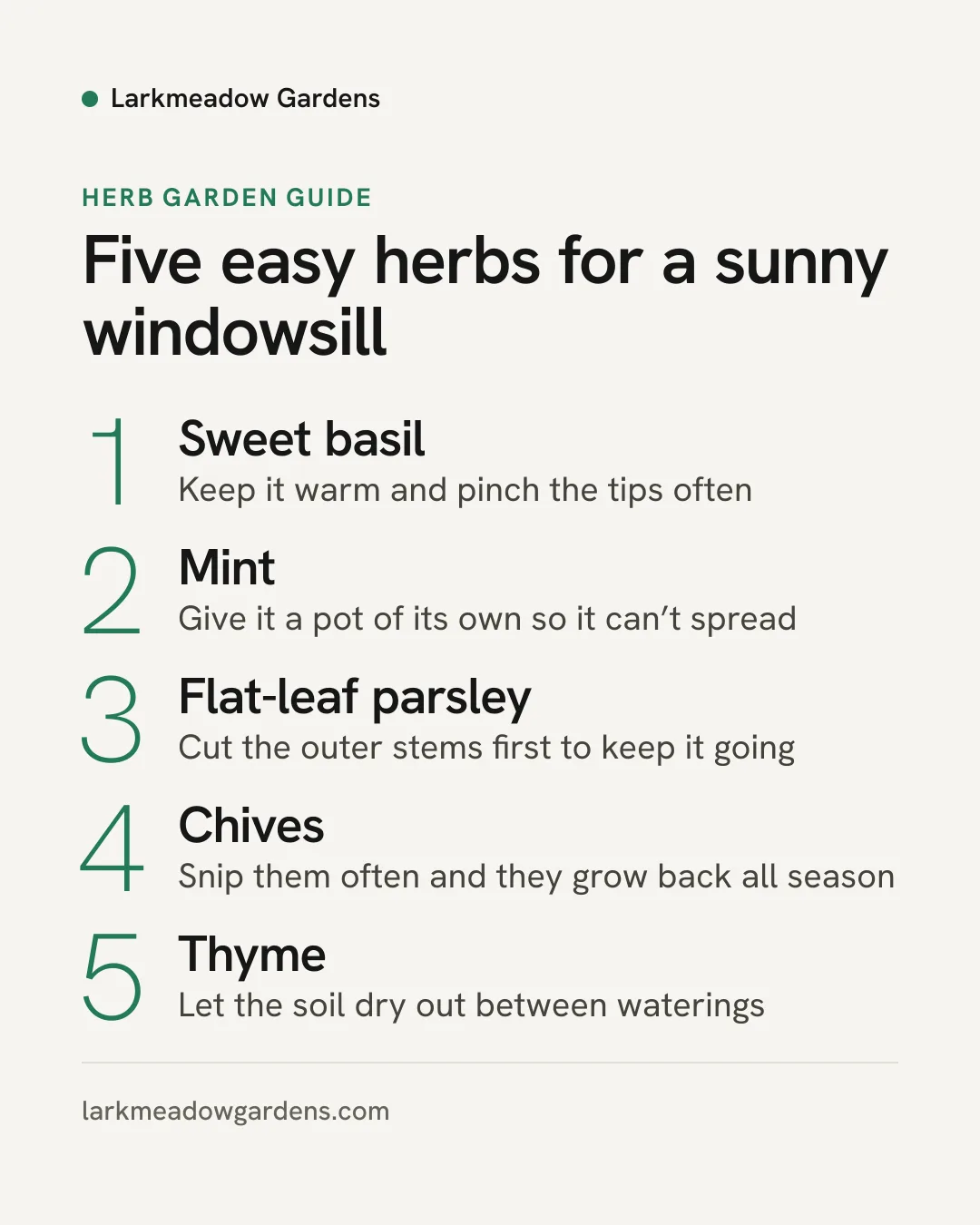
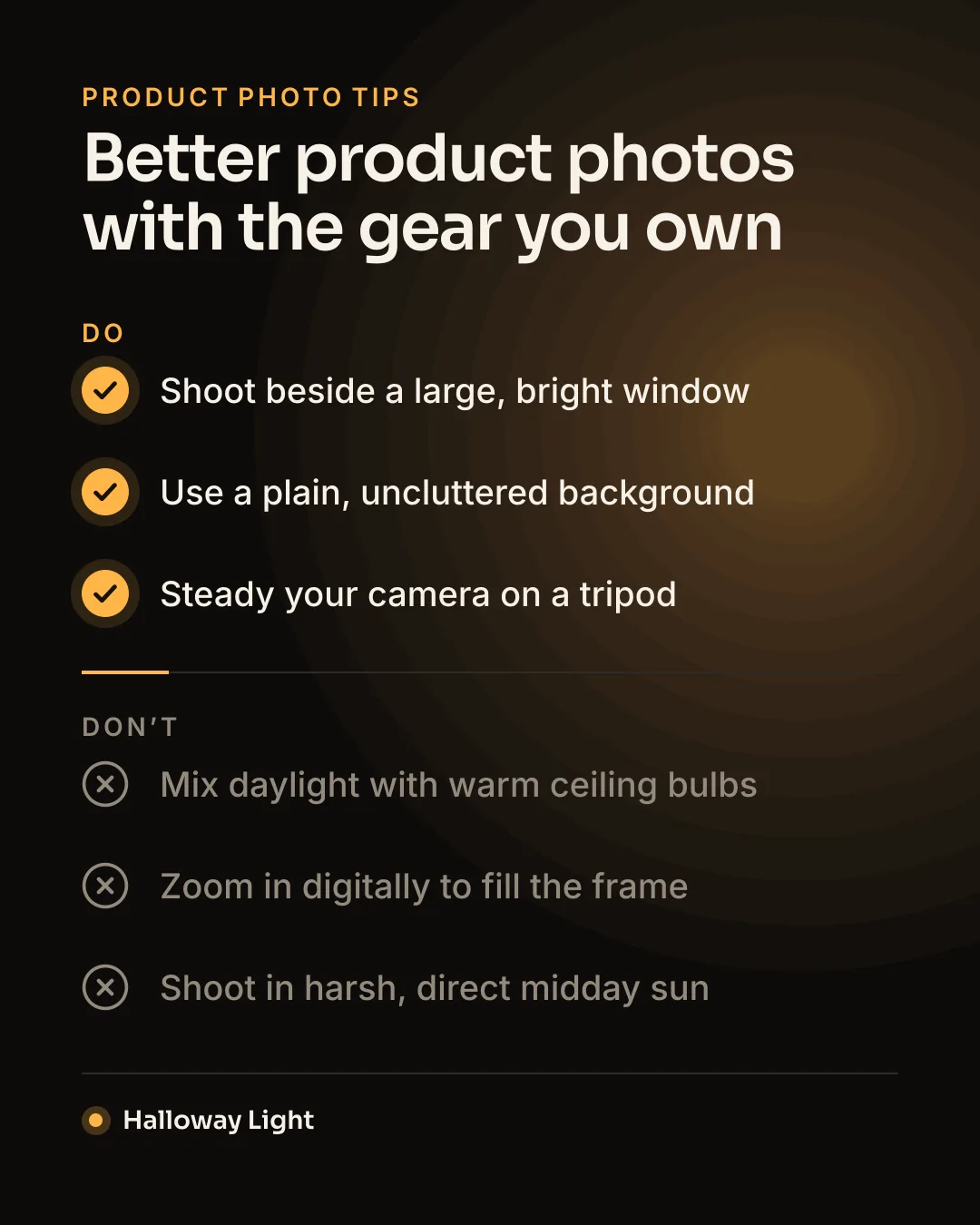

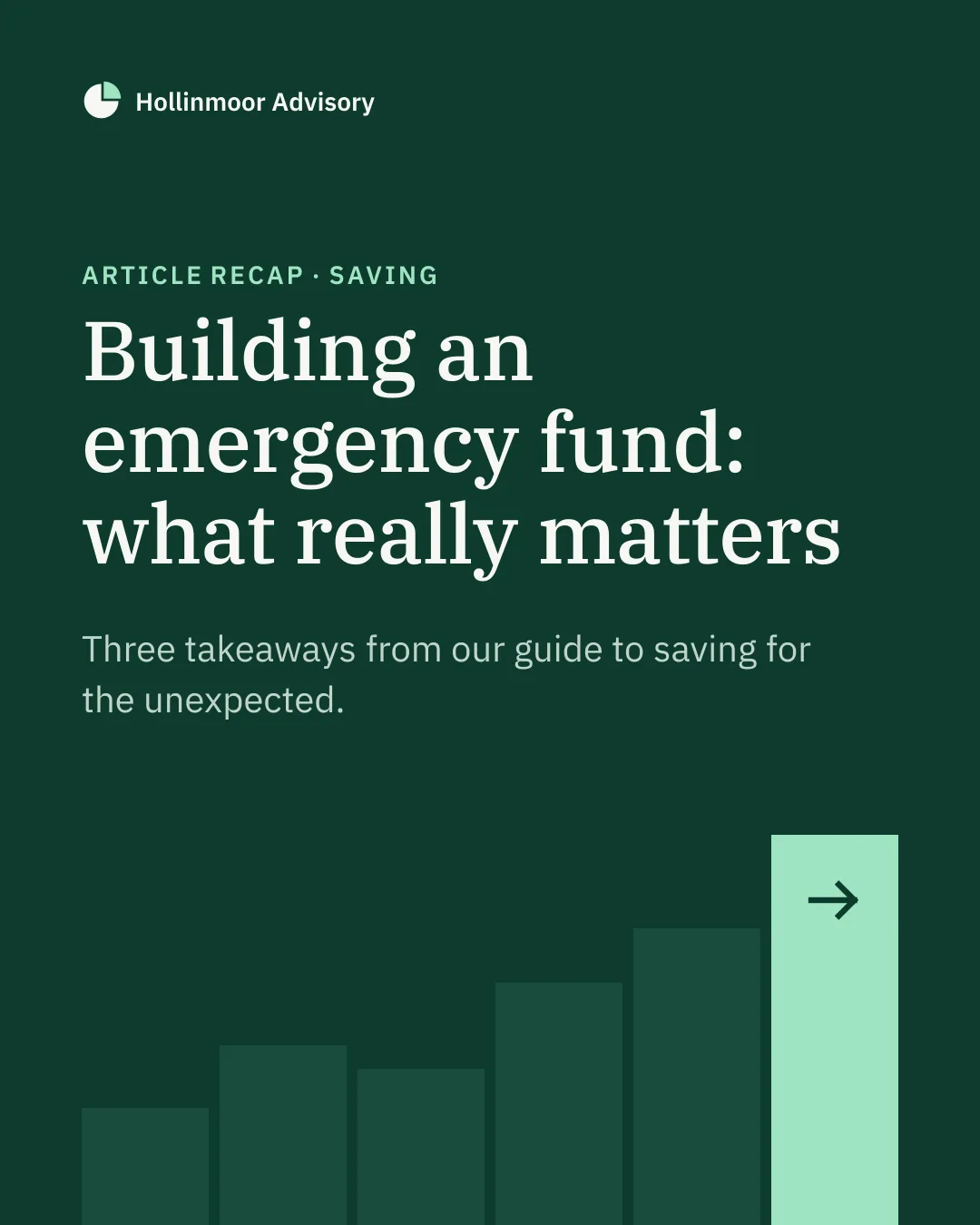
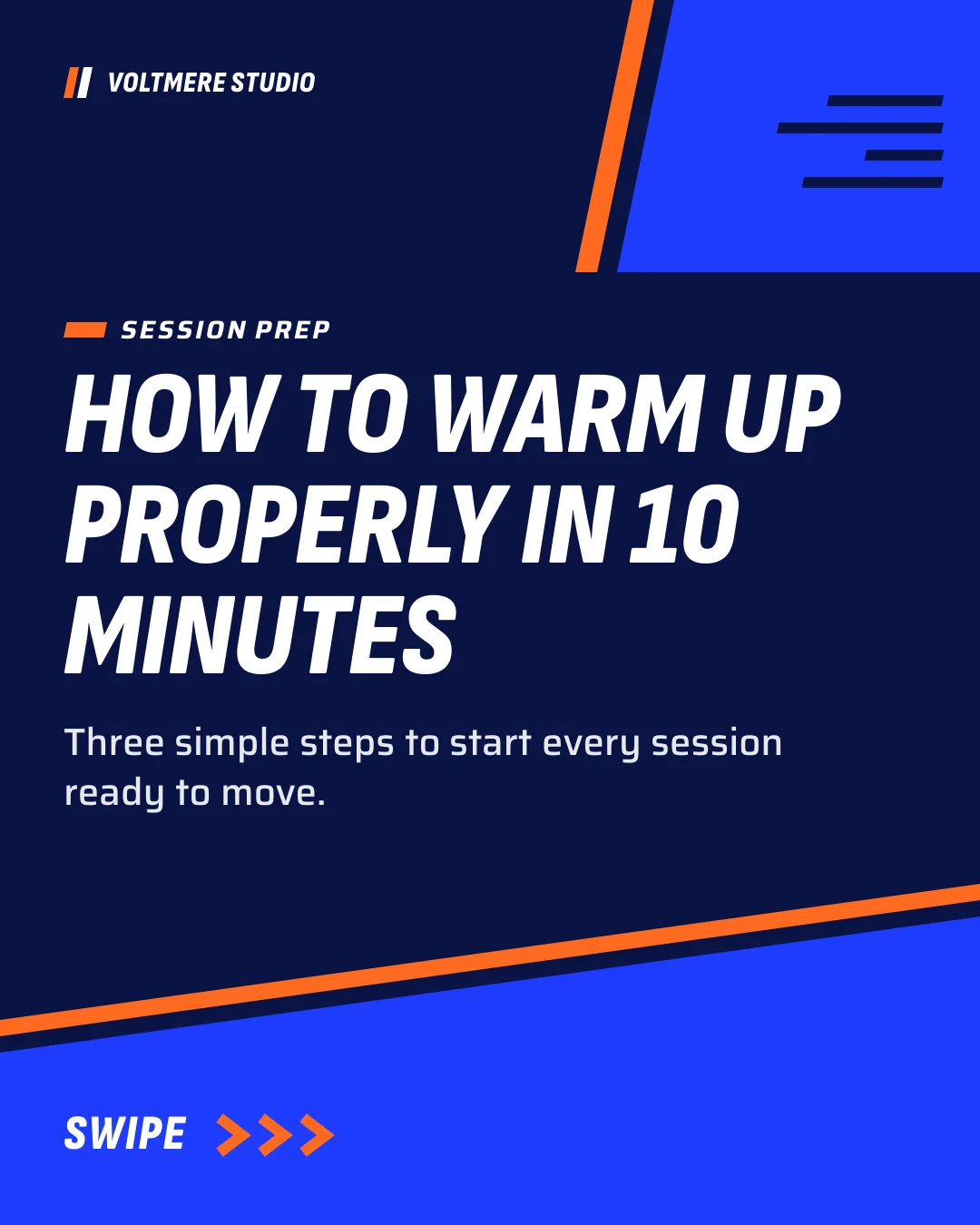
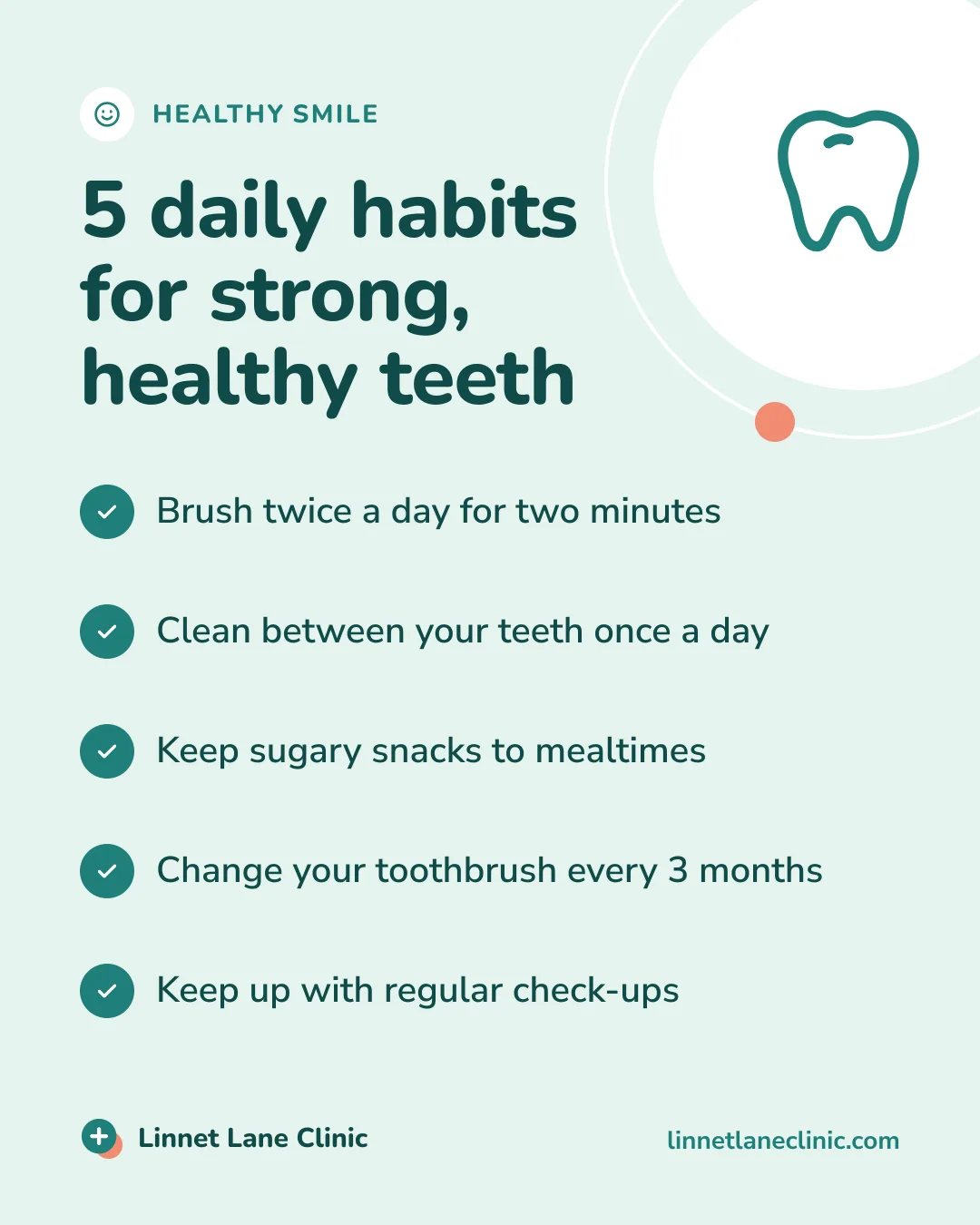

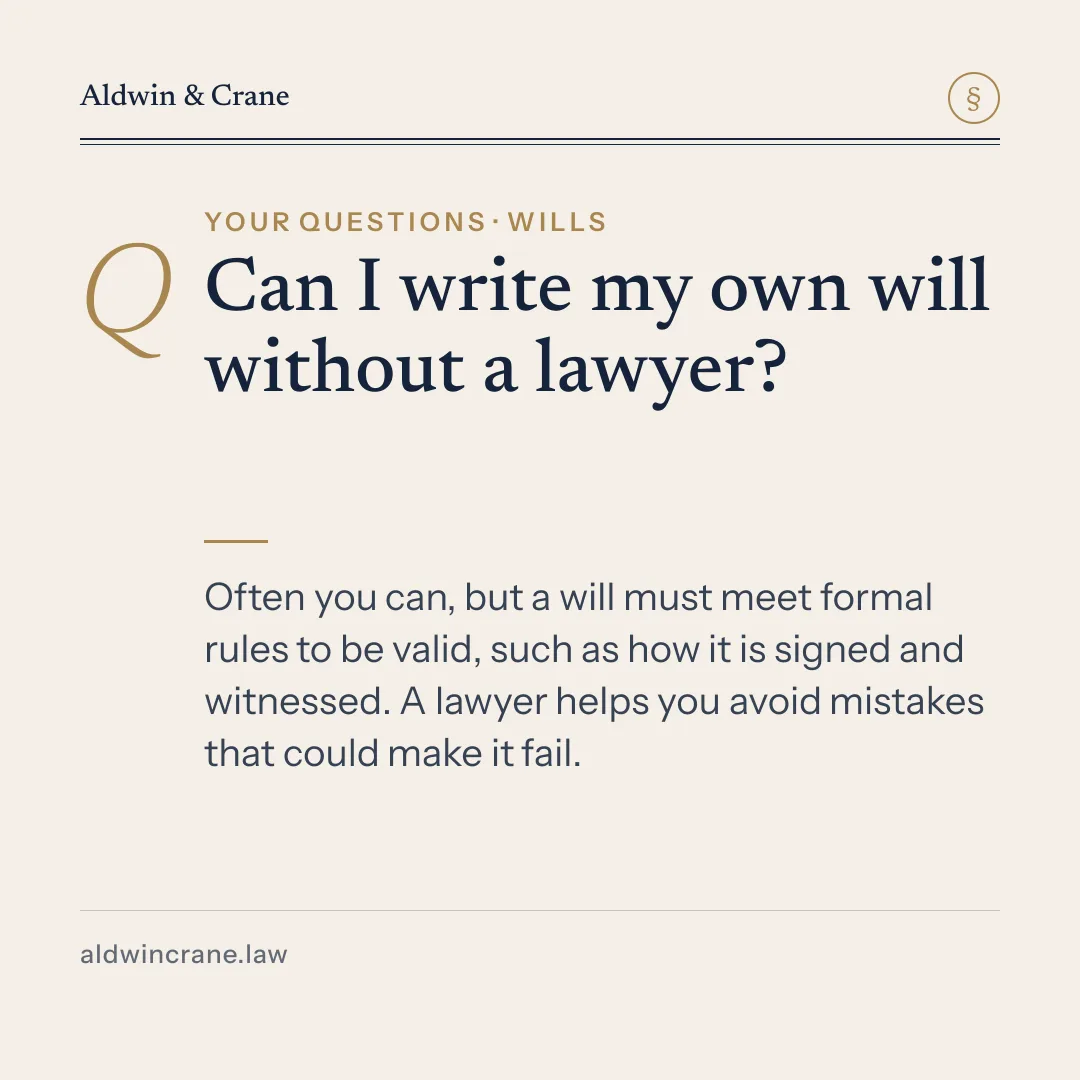

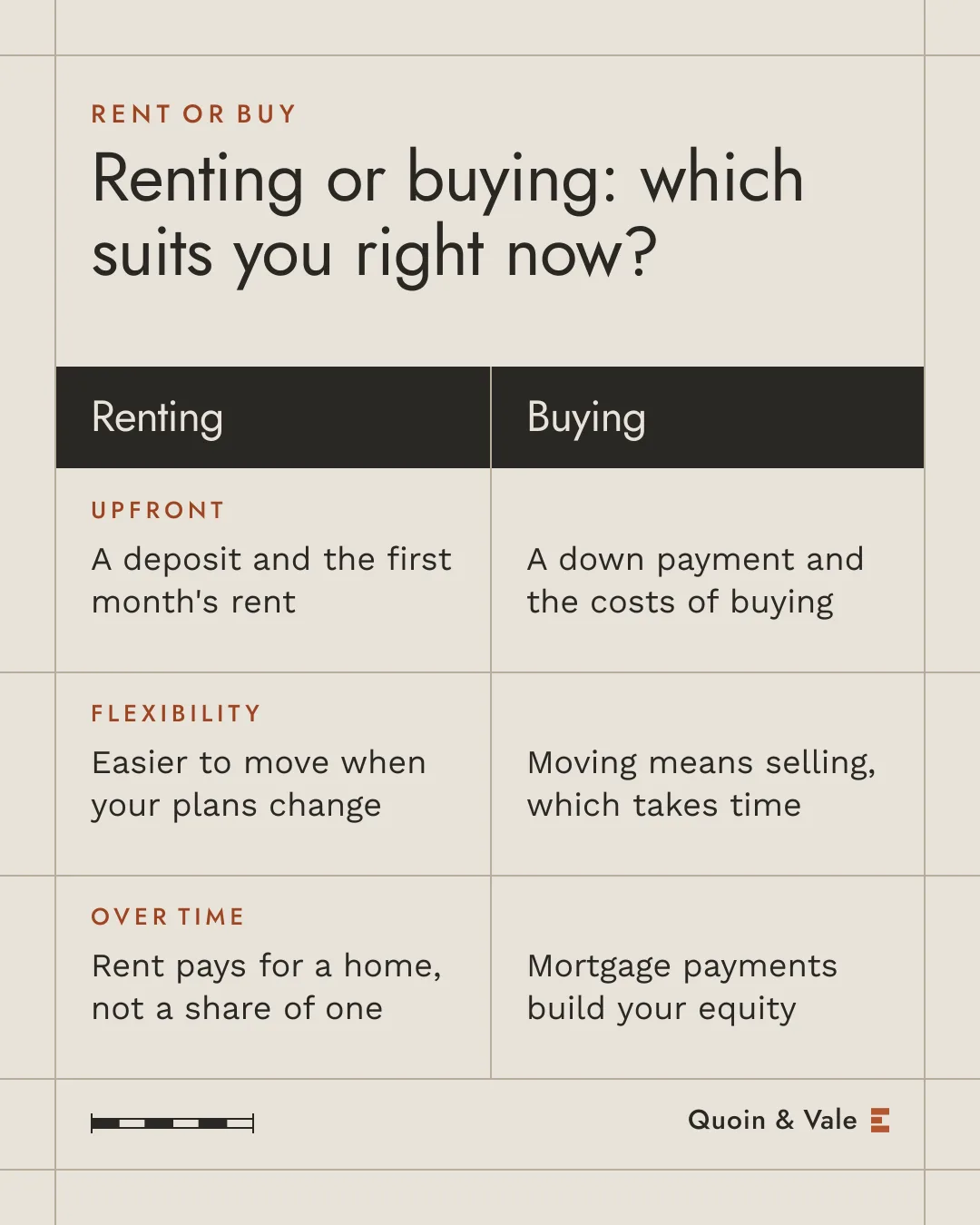

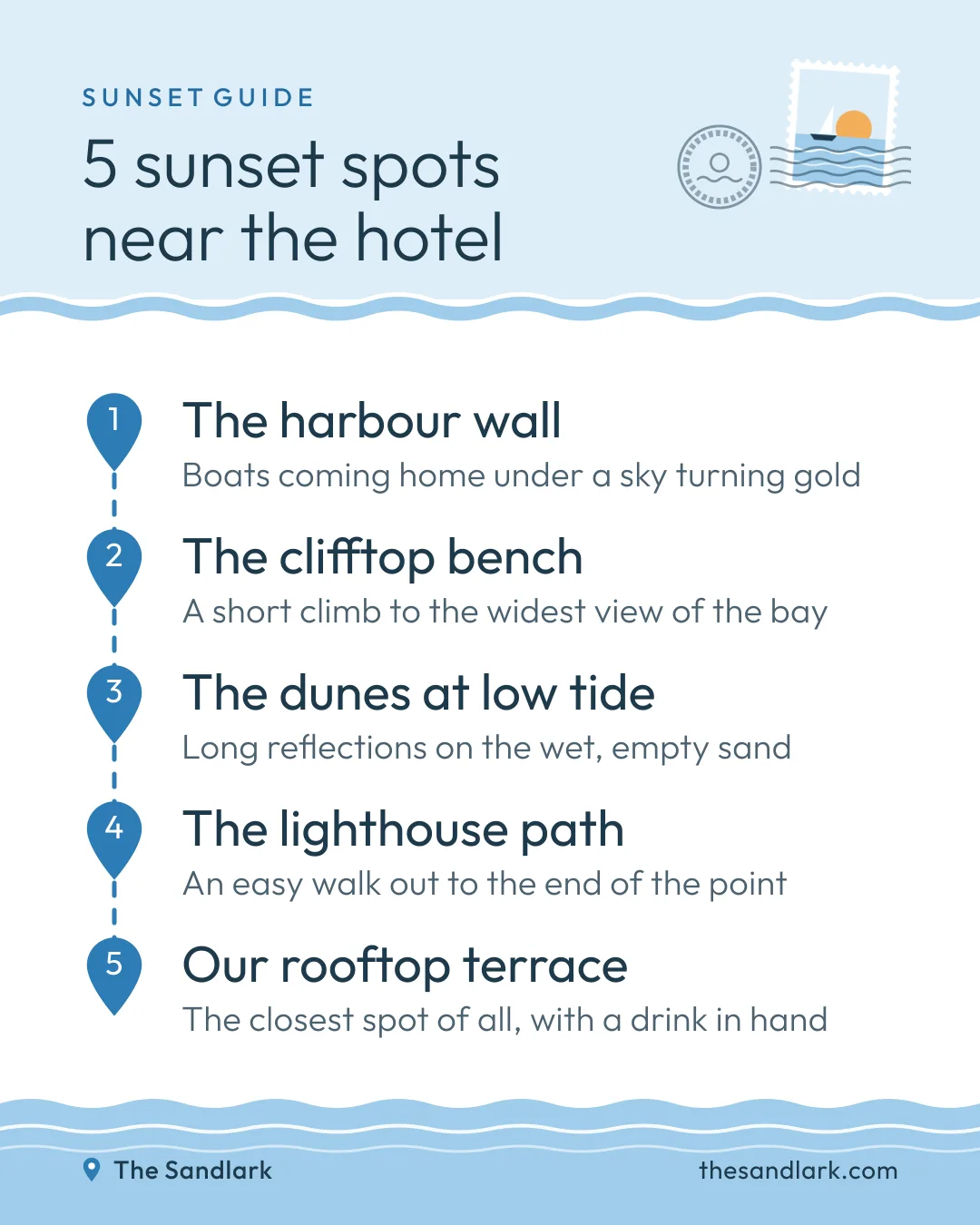
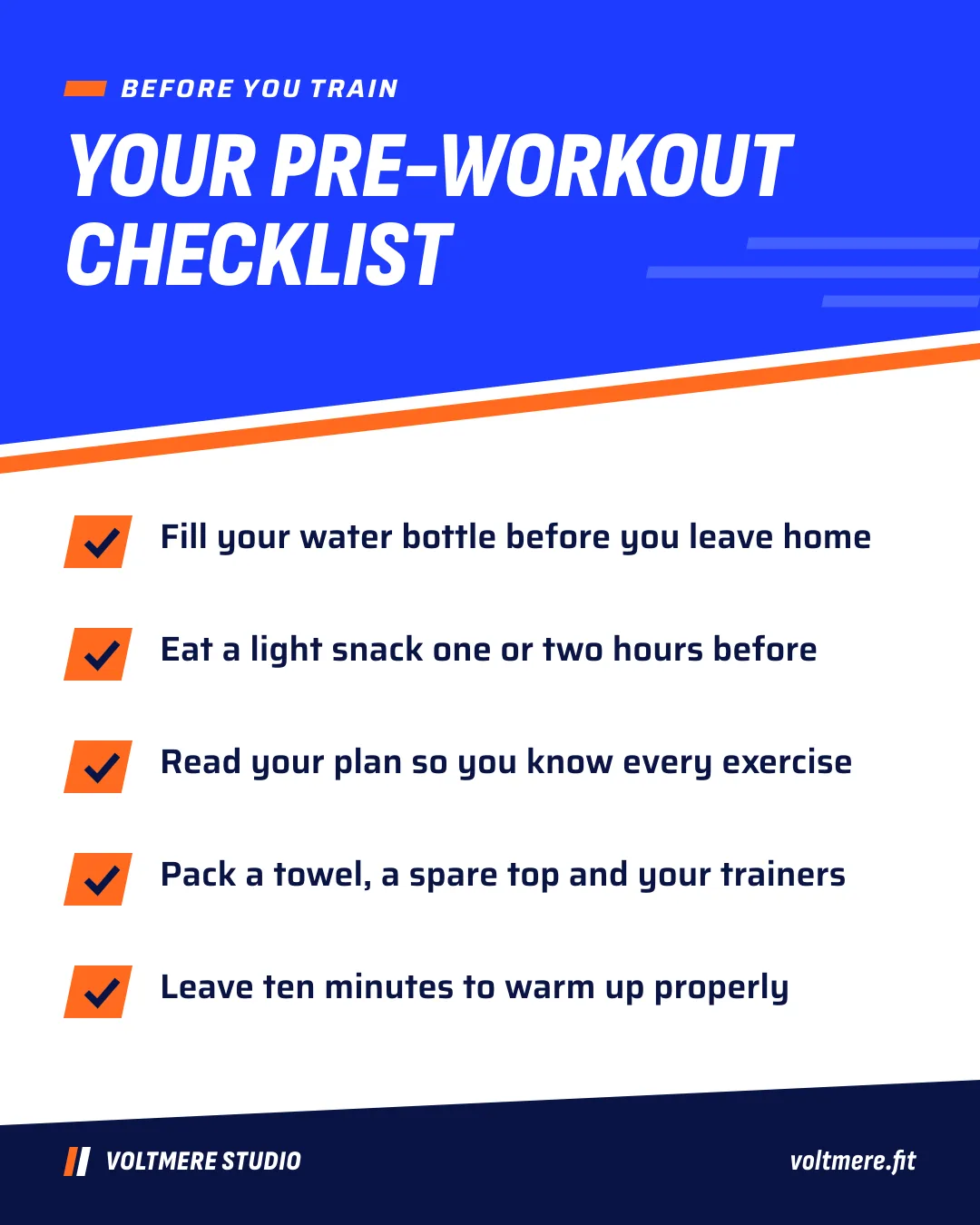
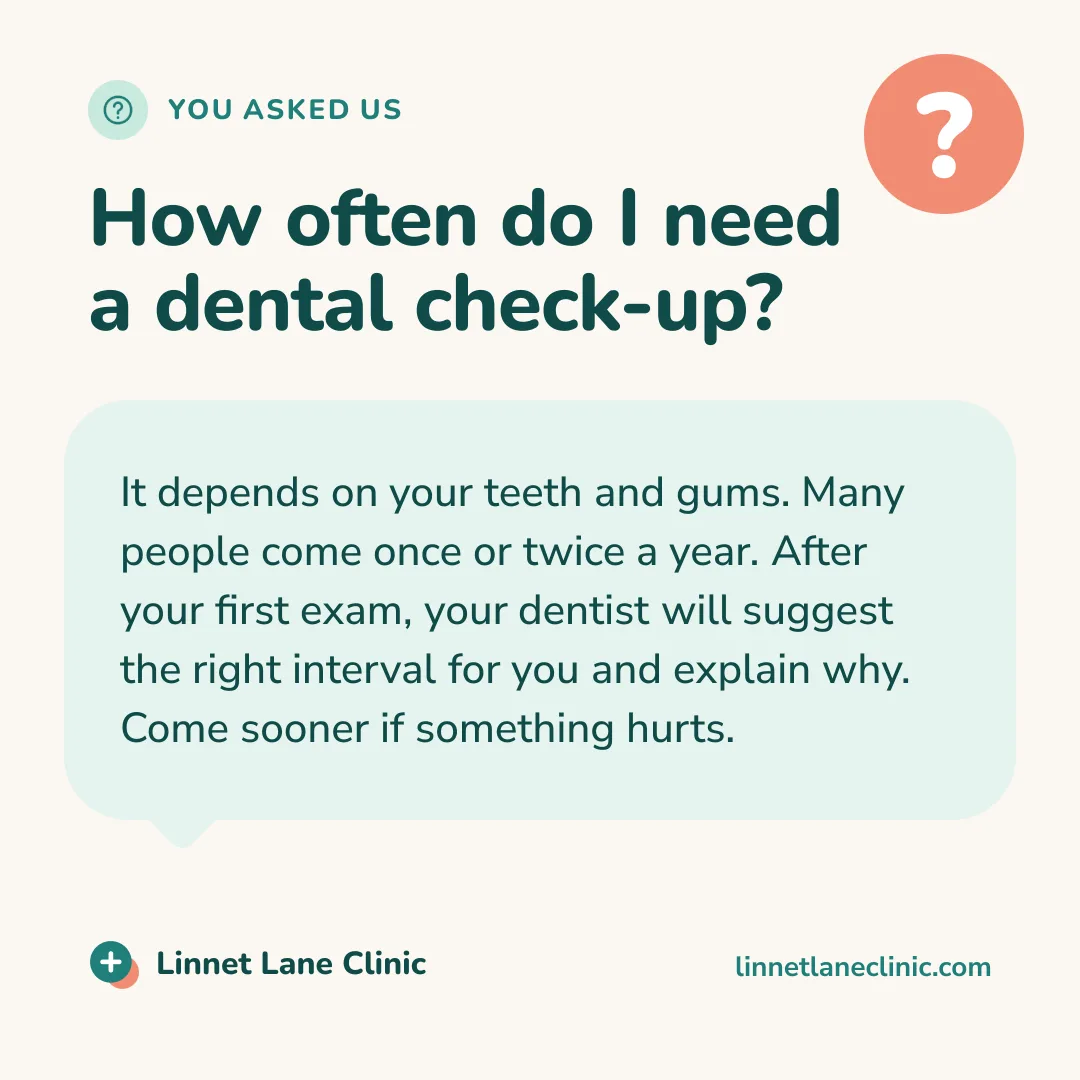
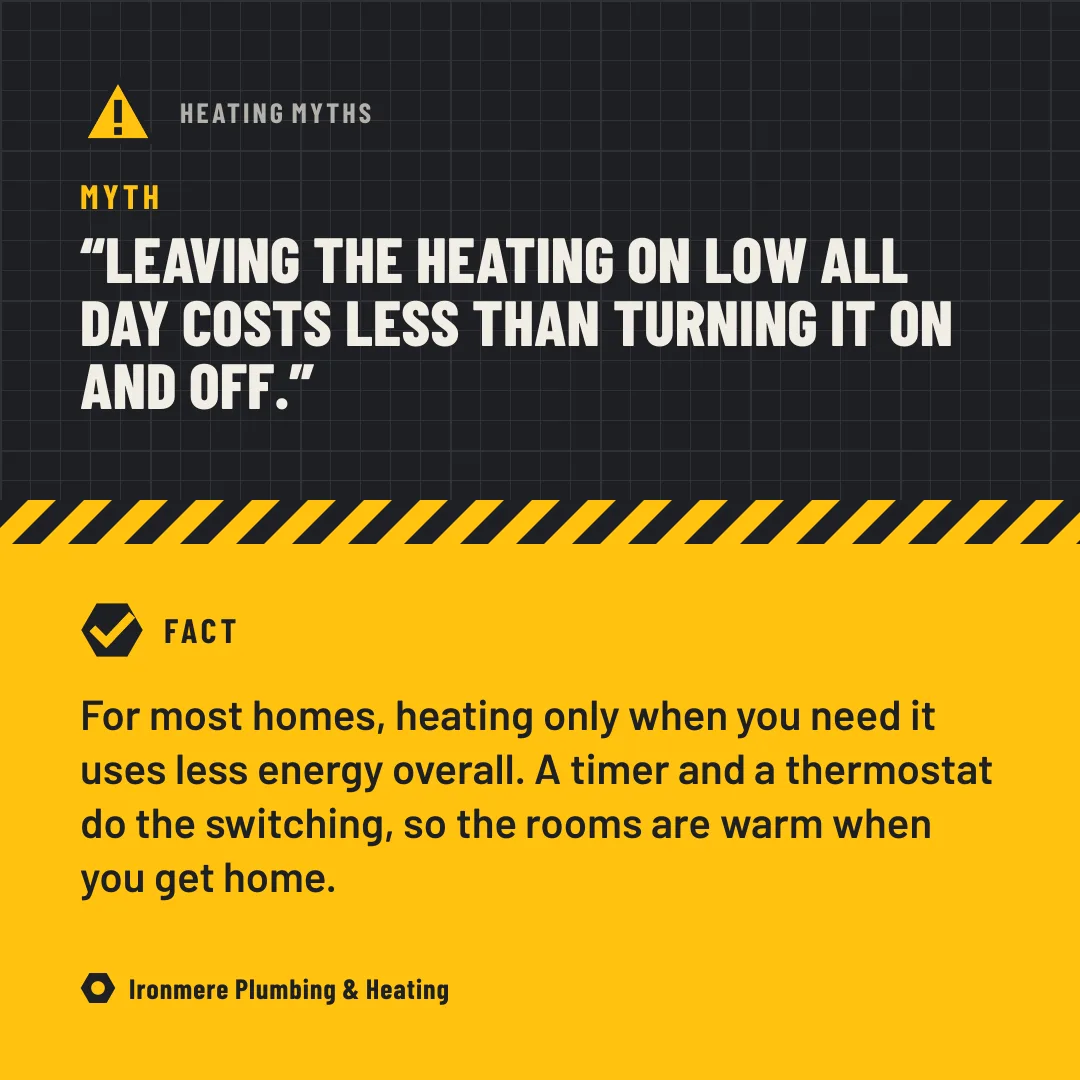
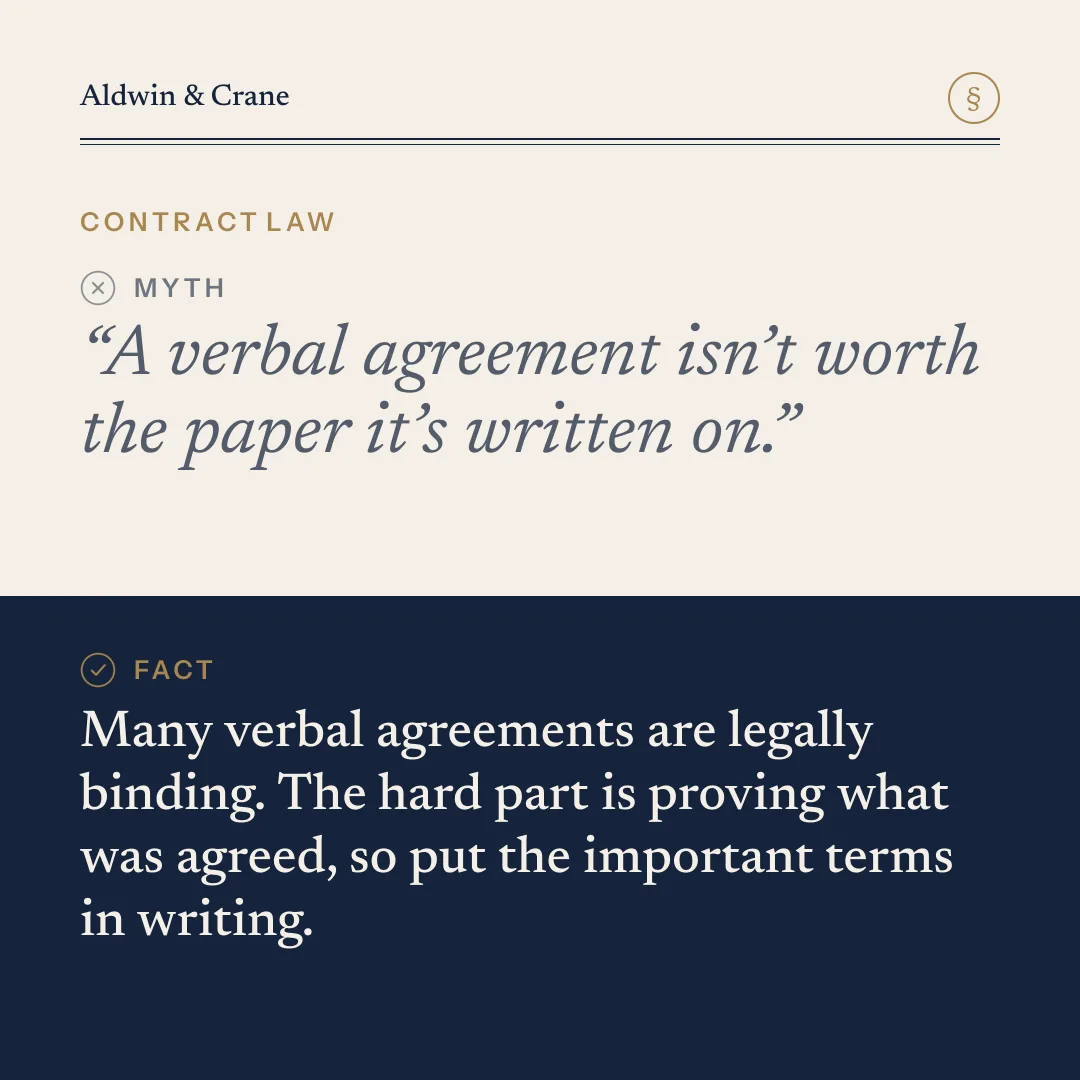
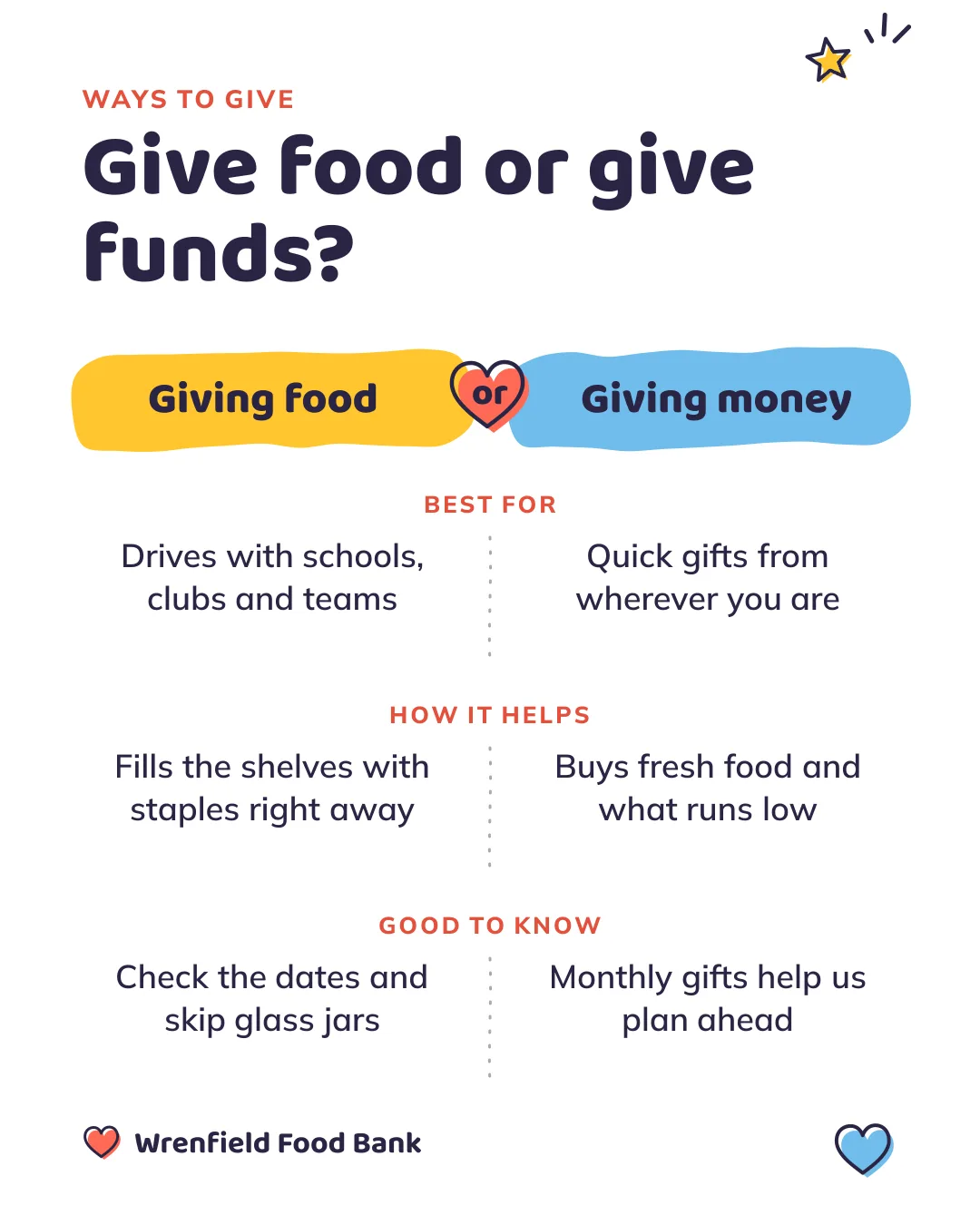
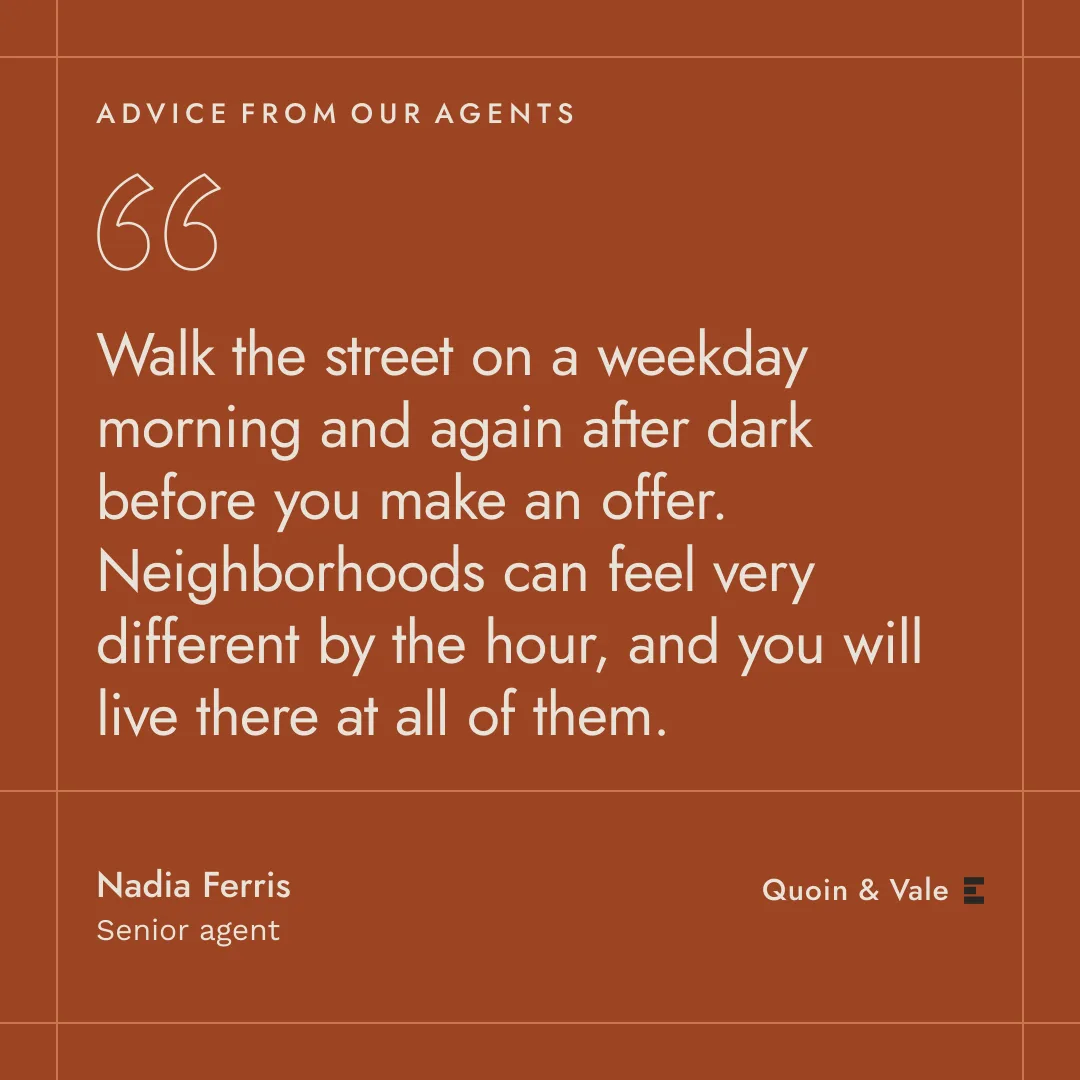
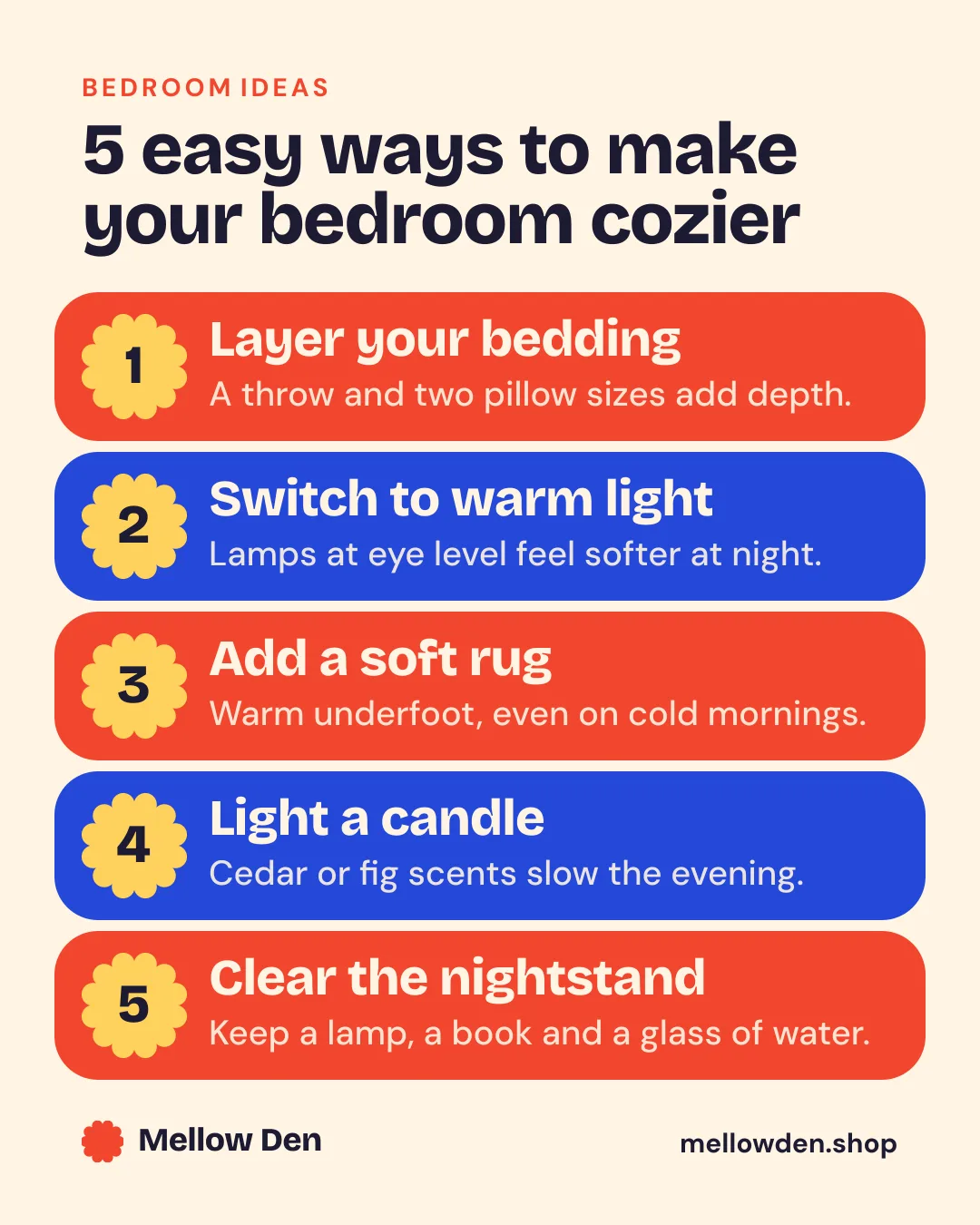
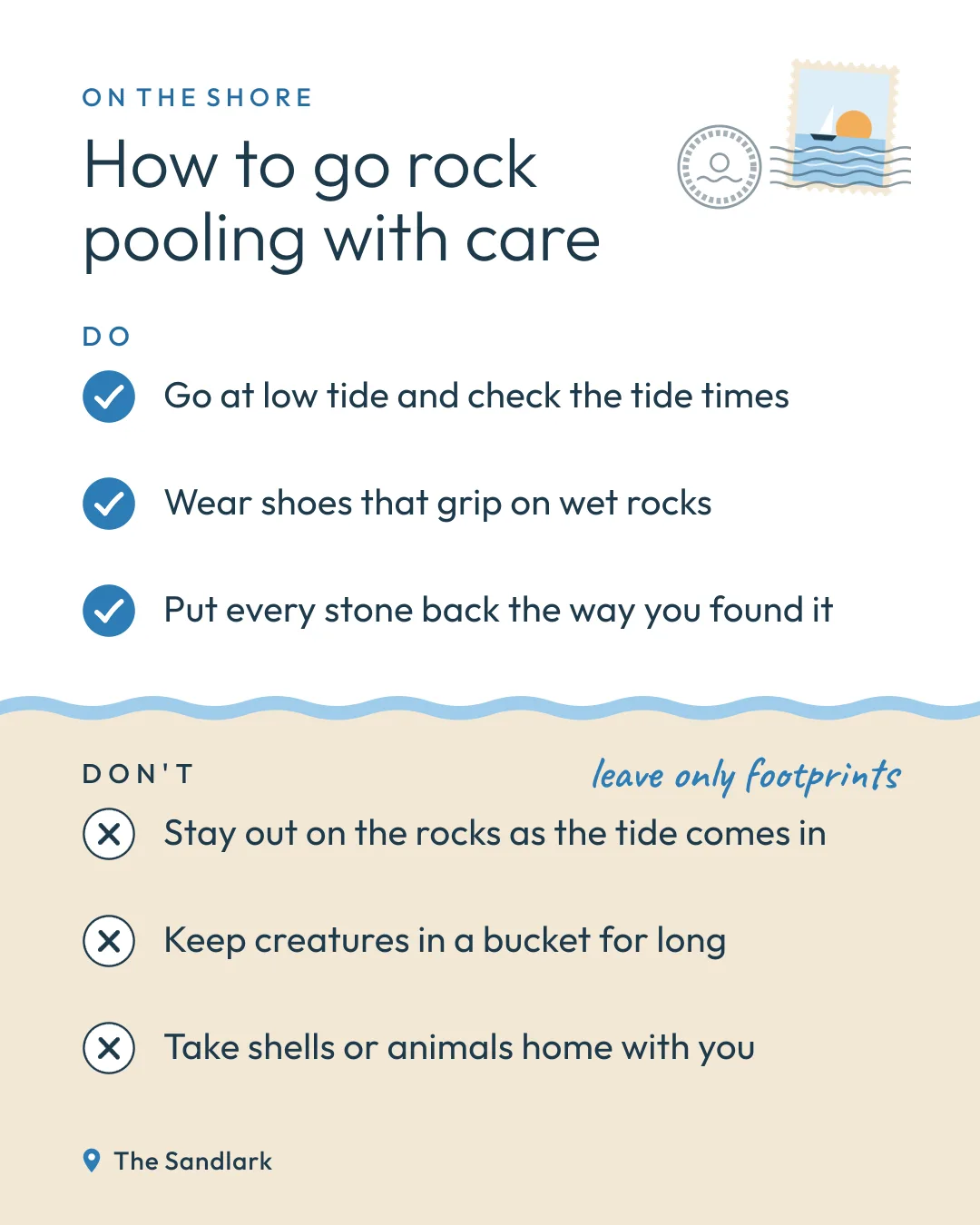

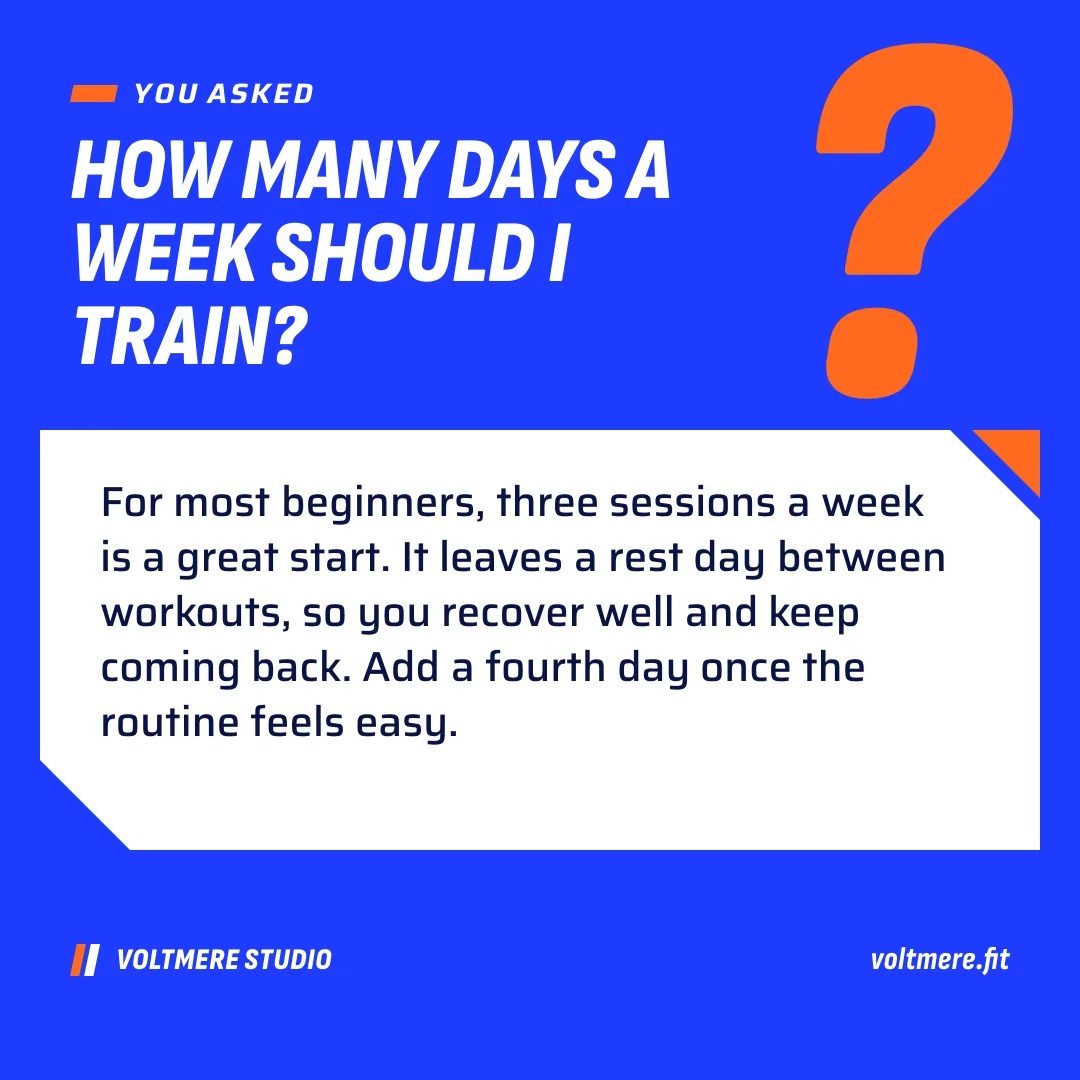
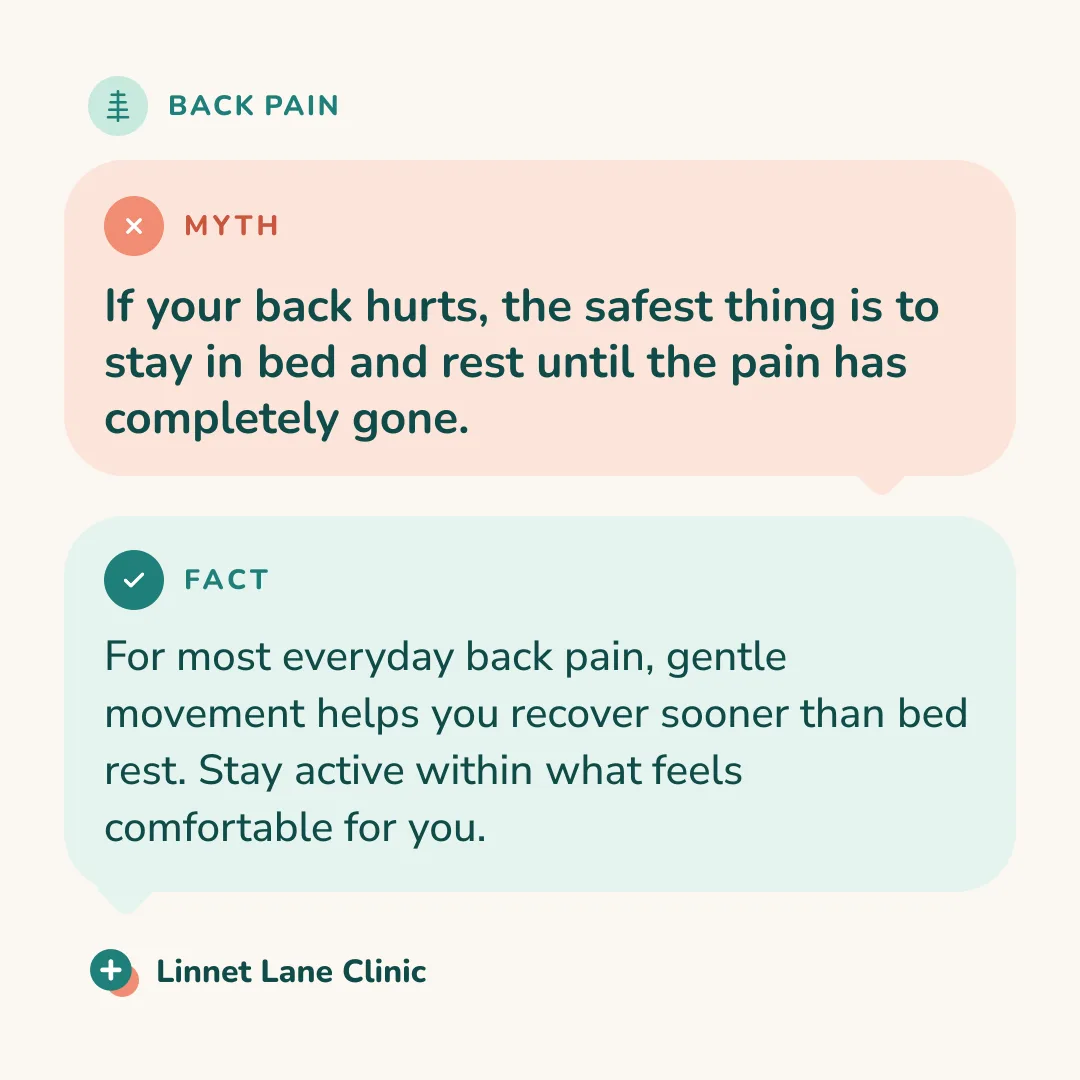
WebMCP
Made for agents
The simplest way: ask your AI agent to edit the template for you. It finds this page’s templates, reads their fields and fills them in, thanks to WebMCP. Free, no account needed.
list_templatesEvery template, or one network’sget_templateOne template: size, slides, fieldsshow_templatesShow a network’s templates
FAQ
Frequently asked questions
What size is a LinkedIn post?
LinkedIn shows best: Post 4:5 (1080 × 1350 px), Post 1:1 (1080 × 1080 px), Post 1.91:1 (1200 × 627 px). The templates on this page are already at the right size.
How do I make a LinkedIn carousel?
Choose a template with several slides and export it as a PDF: LinkedIn shows a PDF document as a carousel, one slide after the other.
Can my AI agent publish to LinkedIn?
Yes, with a plan: from Claude or ChatGPT, through MCP, it schedules your LinkedIn posts, one slide as an image, several as a PDF carousel.